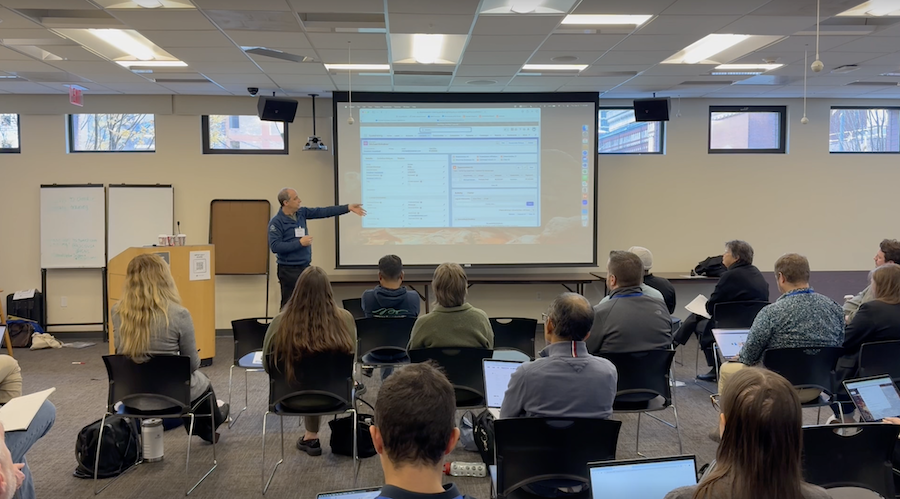
Last week, the Salesforce nonprofit community came together in Philadelphia for the final NPSP Day of 2024 at Friends Center. Attendees spent the day diving into key topics like fundraising best practices, data hygiene, integrations, and reporting while sharing insights and lessons learned.
In the rapidly changing world of nonprofit technology, and with the introduction of the new Nonprofit Cloud, this event offered a crucial platform for nonprofit staff, consultants, and Salesforce admins to exchange ideas, tackle challenges, and foster a sense of community around the Salesforce Nonprofit Success Pack.
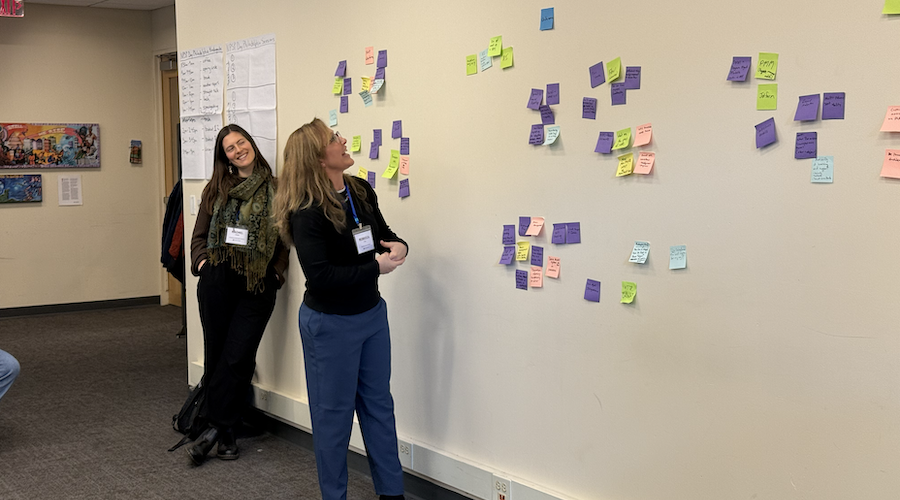
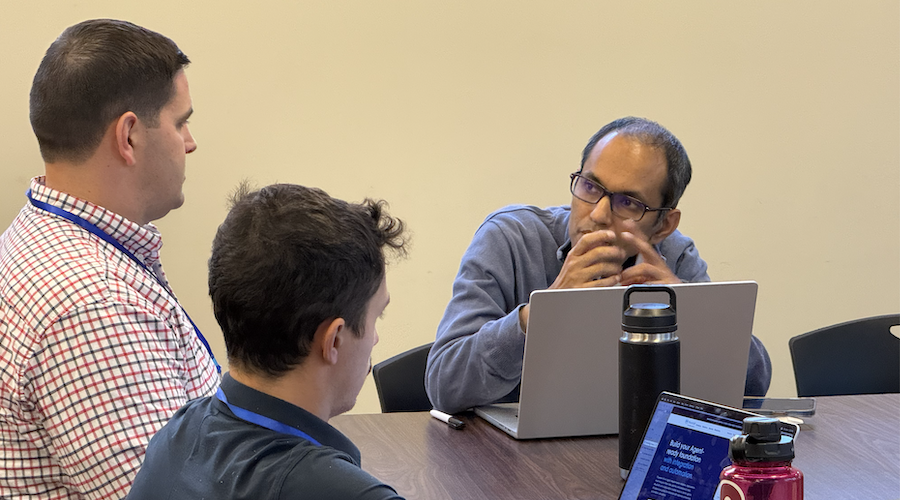
And a community it was! We had 30 folks join us in Philly from as far as NYC and Austin, Texas (shoutout to Pradeep!). Though it was a cold and windy day— wind that seemed to really want to join the conversation even from inside the building— the whole crew braved the elements to come together for a full day of collaboration, learning, and actionable takeaways.
Here’s a recap of key takeaways and standout moments from some of our sessions!
Breakout Sessions
- Fundraising Best Practices
- Data Hygiene
- Third-Party Apps and Integrations
- Moves Management
- Reports and Dashboards
1. Fundraising Best Practices
This session explored how nonprofits can streamline their fundraising processes, maintain clean data, and effectively use third-party tools. Attendees learned about balancing restricted and unrestricted funds, minimizing workarounds, and utilizing Salesforce features to improve donor tracking and reporting.
Takeaways:
- Use “give or get” roll-ups and formula fields to combine hard credit gifts from individuals and soft credits for a holistic view of donor giving.
- Organize restricted and unrestricted funds in Salesforce (e.g., scholarship funds vs. general funds) while minimizing unnecessary workarounds.
- Clearly differentiate between Campaigns (for marketing and appeals) and Opportunities (for memberships and donor tracking).
- Maintain accurate data to ensure reliable reporting, especially when managing restricted funds or allocating donations.
- Create streamlined processes that reduce the complexity of your system and make it easier for users to maintain consistency.
2. Data Hygiene
Data hygiene is essential for nonprofits to make informed decisions and prepare for AI-driven tools in the future. This session highlighted the importance of clean data, how to manage duplicates, and how to empower staff to take ownership of their data entry.
Takeaways:
- Use tools like the “Dashboard of Zeros” to identify data gaps and empower users to take accountability for their data quality.
- Leadership buy-in is critical—dedicate time and resources to data cleanup while communicating its necessity to the organization.
- Avoid using Excel for data management to prevent formatting issues, like dropped leading zeros in zip codes or date errors.
- Leverage field history tracking to understand data entry issues and monitor changes over time.
- Standardize addresses and streamline data cleanup using tools like Insights Data Integrity (a paid Salesforce.org product).
3. Third-Party Apps and Integrations
This session offered practical advice for choosing and managing third-party apps and integrations. Attendees learned how to evaluate business needs before committing to an integration and explored a variety of tools to enhance their Salesforce experience.
Takeaways:
- Best practice is to use integration user licenses for third-party tools, but evaluate if simpler options like scheduled data imports (e.g., Apsona) might meet your needs.
- Recommended tools include Zapier, Apsona, and FormAssembly for automation and efficient data handling.
- Use address-cleansing tools like ArcGIS or Melissa Data to maintain data accuracy and consistency.
- Be strategic about email marketing tools; consider the unique features of platforms like Mailchimp (single email per person) or EveryAction (supports multiple emails).
- Remember that integrations can be time-consuming to configure and maintain—choose tools based on your organization’s capacity and priorities.
4. Moves Management
Moves management helps nonprofits track and engage donors throughout their lifecycle, from identification to solicitation to stewardship. This session focused on designing donor journeys and using Salesforce to support segmentation, tracking, and engagement plans.
Takeaways:
- Define donor profiles and journeys before building in Salesforce, identifying key stakeholder groups like board members, volunteers, and donors.
- Create custom objects, like “Contact Attributes,” with record types and picklists to manage segmentation and track donor engagement.
- Use 18-month engagement plans to map out donor interactions over time, ensuring long-term alignment with organizational goals.
- Break down stakeholders into personas to tailor communication strategies and calls to action.
- Develop simple, scalable structures to track relationships, such as board memberships, volunteer hours, and major donor statuses.
5. Reports and Dashboards
Reporting and dashboards are key to turning Salesforce data into actionable insights. This session discussed common challenges with report creation and offered practical tips and tools for improving data visualization and analysis.
Takeaways:
- The “Power of 1 Formula” is an effective way to count unique records, while record charts can visually display giving trends on donor profiles.
- Apsona’s multi-step reporting tool simplifies complex reporting needs and can support data cleanup projects with its 30-day free trial.
- Address common report challenges, such as cross-object field limitations, by creating custom report types or considering tools like Power BI or Tableau.
- Use features like row-level formulas and bucket fields to group data and analyze it more effectively.
- Leverage the “Toggle Details” button to create more dynamic and user-friendly reports and dashboards.
NPSP Day Philadelphia offered a wealth of insights and practical strategies for nonprofits to improve their Salesforce instances. From streamlining data hygiene to designing donor journeys and exploring third-party tools, the sessions provided something for everyone.
The day would not have been possible without the wonderful facilities and staff of Friends Center, our host for the day. We encourage you to check out the incredible work they are doing for the Quaker community in Philadelphia and around the world.
Want to join a future NPSP Day? Check out upcoming opportunities here!

 Donations
 Events
 Petitions
 Forms
Forms Shop
Shop Directories