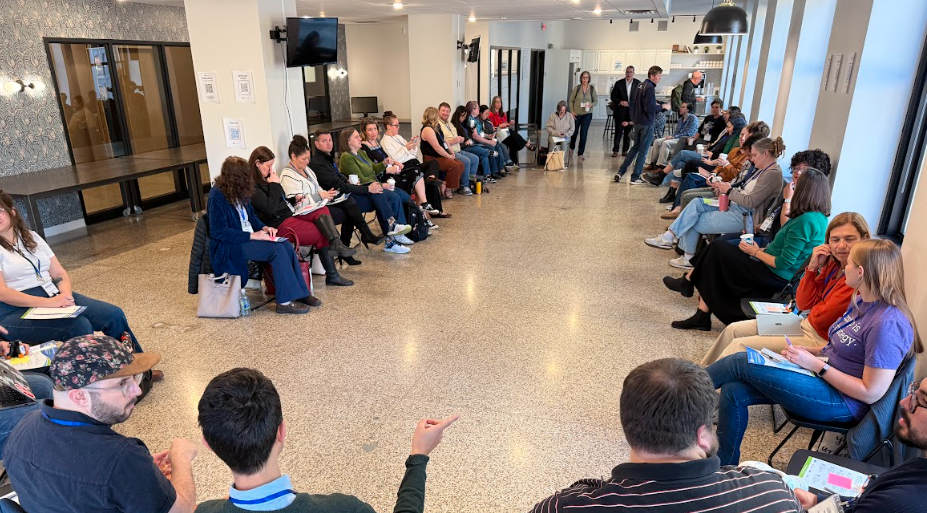
NPSP Day Minneapolis is in the books! On October 22, the Twin Cities Salesforce nonprofit community gathered at Coco in the historic Minneapolis Grain Exchange for a full day of peer learning, problem-solving, and good conversation about what it takes to run Salesforce at a nonprofit.
The room was full of admins, fundraisers, operations staff, and consultants, many of them the only Salesforce person at their organization. That made the day especially valuable. People brought the questions they'd been sitting on for months and left with answers, tool recommendations, and a few new friends to call when something breaks.
Across the day's breakouts, a clear theme emerged: Salesforce works best when it's built around people. Whether the conversation was about dashboards, data governance, AI policies, or getting colleagues to log their meeting notes, attendees kept coming back to the same idea. Start by understanding what users need, then shape the system to fit.
NPSP Day Minneapolis was hosted by Soapbox Engage and sponsored by Idlewild Partners, who also shared their perspective on where nonprofit technology is headed during the morning's "Looking Ahead with Idlewild" session. A special thank you to Coco for welcoming us to the Minneapolis Grain Exchange.
Below is a look at the speedgeeking presentations, the breakout sessions, and some of the key takeaways from the day.
Session Topics
Speedgeeking
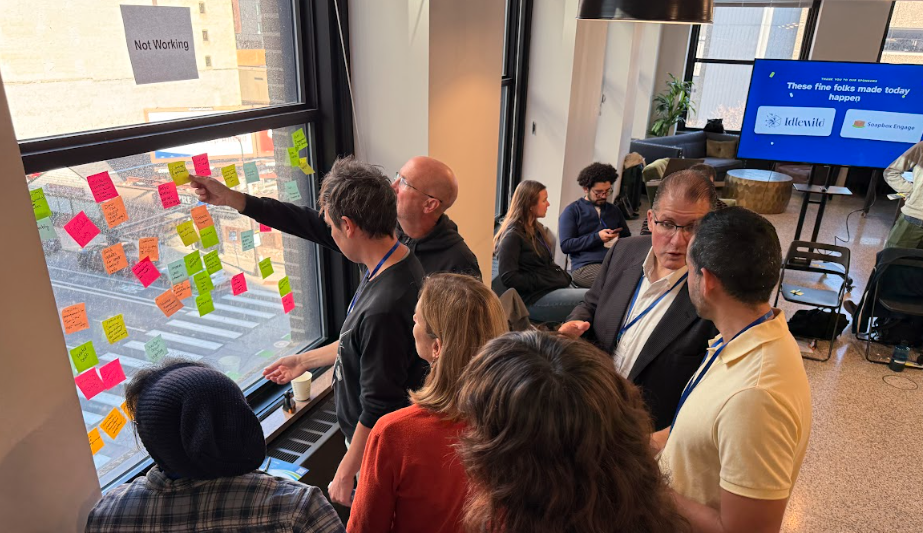
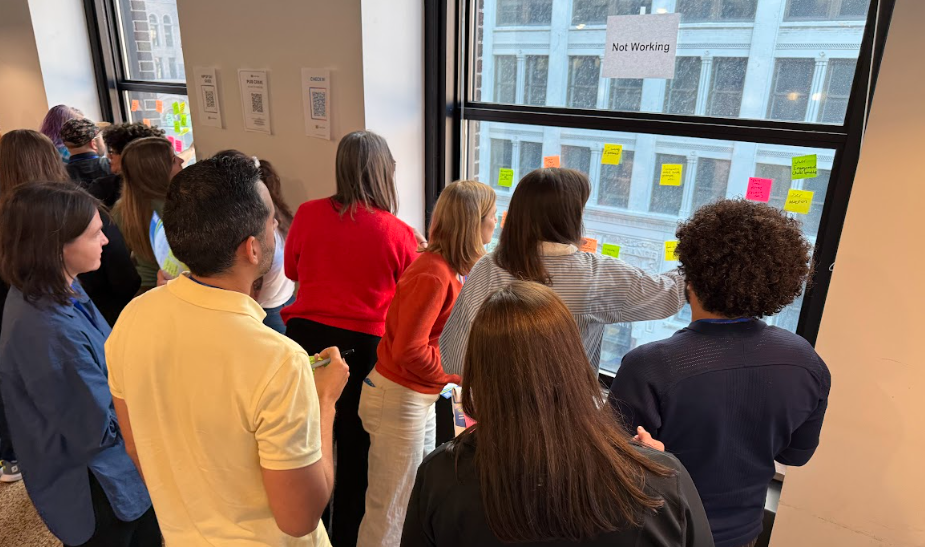
After lunch, community members ran quick-fire demos in small groups, with attendees rotating from table to table. It's one of the fastest ways to pick up a new trick, and this year's lineup was packed with practical tools.
This Year's Presentations
- Screen flow reactive components: Judy Otto showed how reactive components make screen flows more dynamic as users fill them out.
- Helpful Chrome extensions: Zach Goldberg shared browser extensions that save admins time in Salesforce.
- Power Query for Excel and using AI well: Jason Samuels demoed Power Query for shaping data in Excel and shared tips for getting better results from AI tools.
- DLRS: Anthony Heber walked through Declarative Lookup Rollup Summaries, a free tool for rolling up data across related records.
- Hotkeys: Brent Eikenhorst covered keyboard shortcuts that speed up everyday work in Salesforce.
- Filterable dashboards: Nick Lindberg showed how to build dashboards that users can filter to find the view they need.
Reports & Dashboards
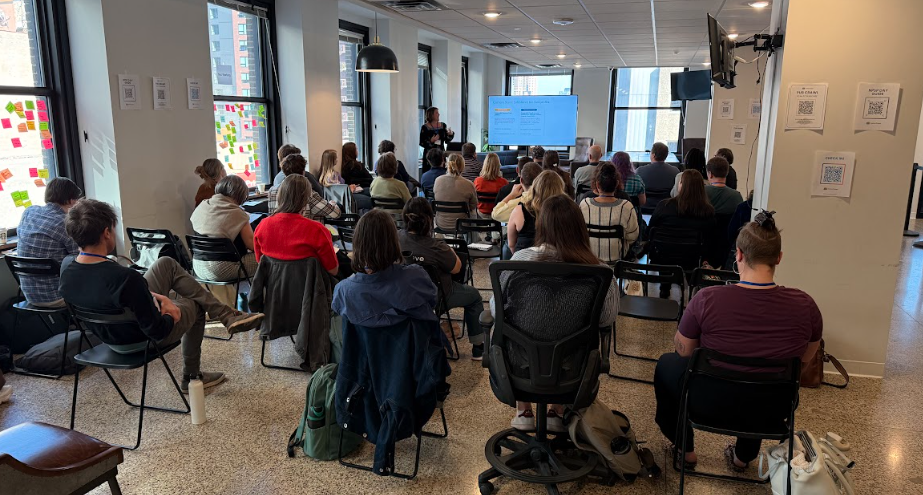
This session named a familiar tension: what users want from reports and what they end up getting. Attendees talked through report bloat, dashboards that nobody opens, and how to design reporting around the decisions people need to make.
Key Takeaways
- Start with "what type do you need?": A big ah-ha moment was splitting dashboards into two types: action-oriented dashboards that tell someone what to do next, and summary dashboards that show how things are going. Asking which one a user needs shapes everything else.
- Build for different audiences: Different teams need different dashboards. Varying the component types, bucketing data, and using color thoughtfully can make results much easier to interpret.
- Use lookups in report types: Adding lookup fields to custom report types lets you traverse across objects and build reports that were hard to create before.
- Get data where it needs to be: DLRS can roll data up to the records where reports need it.
- Tame report bloat: A "report of reports," filtered by Last Run Date, shows which reports are in use and which can be archived.
- Ask why users export: When someone exports a report or reaches for a different system, it's a clue that the report isn't meeting their needs. Finding out why often points to a better build.
- Share beyond Salesforce: Attendees also discussed options for sharing dashboards with people who don't have Salesforce licenses.
Bulk Data Entry & Imports
From workplace giving reports to conference lists to stacks of paper checks, this session covered the many ways data finds its way into Salesforce and the tools that make bulk work less painful.
Key Takeaways
- Use a staging object for complex imports: Loading data into a staging object first, then using automation to distribute it, makes it possible to update multiple objects from a single upload.
- Pick your import tool carefully: Attendees compared Data Loader, dataloader.io, Apsona, and SFDMU, which can load spreadsheets containing multiple objects. Each has limits worth understanding before a big import. Organizations on Nonprofit Cloud also have built-in batch gift entry.
- Shop around for tax receipts: Mail merge, Conga, Apsona, FormStack, S-Docs, and PDF Butler were all mentioned for generating receipts. Pricing models vary, especially for batch generation, and Apsona got a shout-out for supporting conditional templates.
- Think before adding record types: For conference lists and prospect interests, attendees recommended Leads or Campaigns rather than creating more Contact record types. A multi-select field can capture specific interests.
- Keep addresses in sync: Does updating a Contact's address update the household, and vice versa? If your setup doesn't handle it the way you need, a flow can fill the gap.
- Keep mailing lists clean: Melissa lookups can help flag deceased constituents, and NCOA processing for Salesforce keeps addresses current.
Fundraising Best Practices
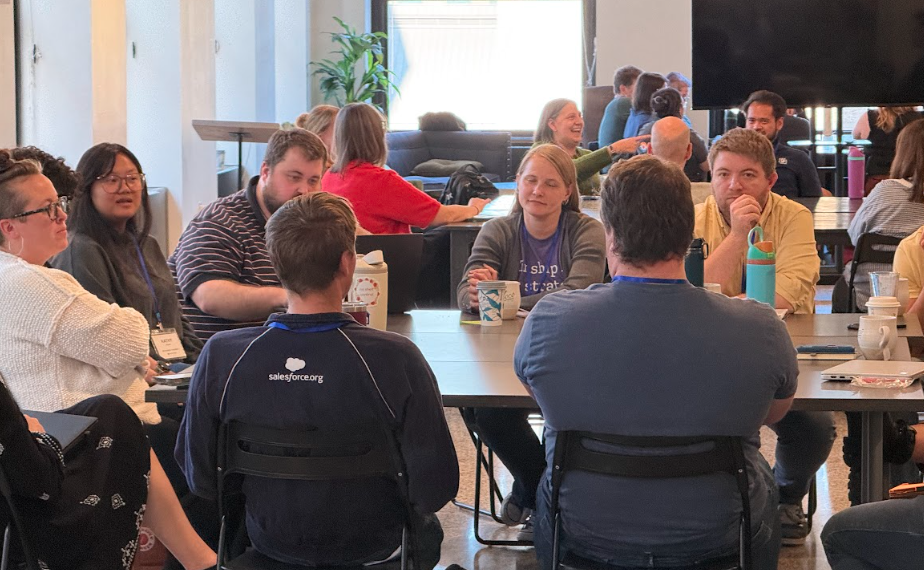
The biggest takeaway from this session: no two organizations run fundraising operations quite the same way. Attendees compared how they segment donors, assign portfolios, and handle tricky gift types like DAFs, pledges, and stock.
Key Takeaways
- Segment in more than one way: Some organizations assign gift officers by donor level, while others build mixed-level portfolios organized by geography or corporate affiliation. Designations and wealth scores offer other ways to segment.
- Keep engagement plans manageable: No one at the table had found success with NPSP Levels and Engagement Plans. Task over-creation and overwhelm happen too easily.
- Write a data entry SOP: Consistent, clear data entry came up again and again. An SOP gives teams a shared standard to follow.
- Make SOPs easy to find: Link your SOP folder from the help menu (under the question mark in the upper right) or from a rich text field on the record page, right where users are working.
- Agree on tricky gift types: Attendees compared approaches for crediting DAF gifts, soft credits, pledges later paid through a DAF, and stock gifts. Some organizations track stock value changes over time, while others sell on receipt and book the value. Whatever you choose, document it and coordinate with your accounting team.
- Track pledge conversions: Organizations need a clear way to identify pledge Opportunities that later convert to Closed Won gifts.
Looking to put your segmentation to work? Read our guide to using CRM data to find and prioritize major gift prospects.
AI
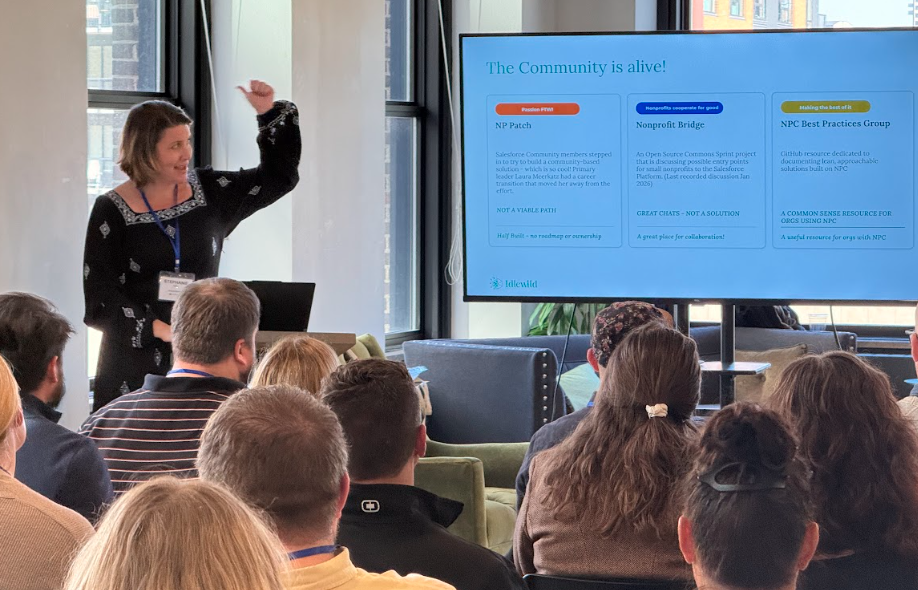
Feelings about AI around the table were mixed, with real excitement alongside plenty of apprehension. The conversation covered how attendees are using AI with Salesforce today, how they choose tools, and why governance matters.
Key Takeaways
- Have an official AI policy: About half the table had a formal AI policy, and attendees agreed that not having one is now a red flag. Policies should align with your organization's values, and ongoing training helps them stick.
- Decide who owns AI governance: At many organizations, responsibility is split between IT and HR. Clarifying ownership helps policies get enforced.
- Use AI as a Salesforce thought partner: Attendees use AI to learn how to write reports and formulas, get help writing Lightning Web Components, analyze flow metadata, and draft SOPs. Several use free tools with metadata only, keeping constituent data out.
- Off-platform tools are winning for now: Nobody at the table was paying for AI credits inside Salesforce, but almost everyone was using Claude or another standalone AI tool. Many found that different tools work better for different purposes.
- Watch for technical debt: Deploying "vibe-coded" Apex can create maintenance headaches later if nobody on the team understands how it works.
- Listen to your constituents: Some communities are very sensitive to AI and have made clear they don't want the organizations they support using it. Those concerns deserve a place in your policy.
- Explore NTEN's resources: Attendees highly recommended the NTEN AI for Nonprofits Resource Hub.
Thinking about AI for fundraising? Start with Is Your Donor Data Ready for AI-Powered Fundraising?
User Adoption
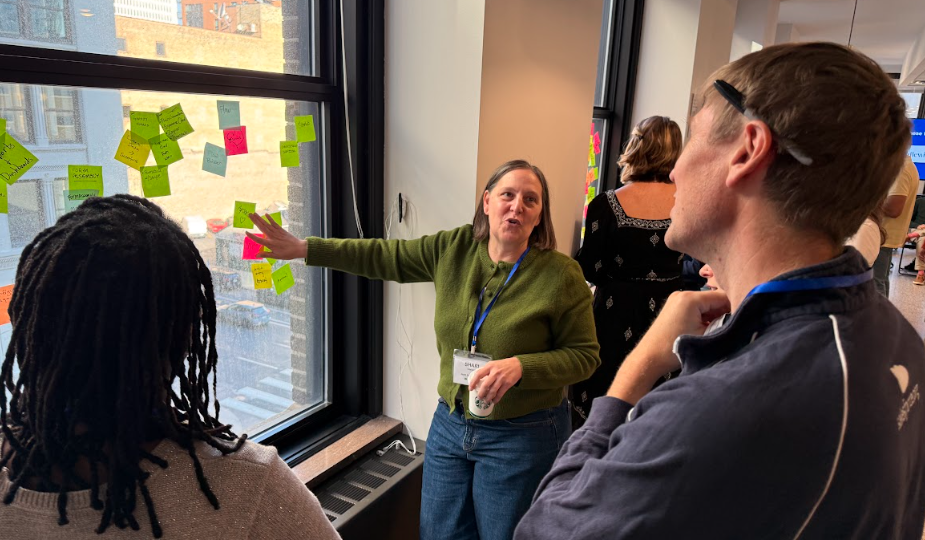
How do you get people to use Salesforce, and use it well? This session was full of creative, people-first ideas for keeping users engaged and making the system part of how work gets done.
Key Takeaways
- Practice SABWA: Salesforce Administration By Walking Around. Sit in on team meetings, watch people work, and listen for pain points you can fix.
- Host office hours and data entry parties: Office hours give users a regular place to bring questions. A data entry party gets everyone together to catch up on the backlog.
- Make Salesforce a standing agenda item: A regular "Spotlight" in staff meetings shows what's been built for other teams and sparks new ideas.
- Build a "dashboard of zeros": Reports designed to return zero records, like Contacts missing a required detail, make problem records easy to spot. Reviewing new Accounts and Contacts weekly helps catch address and name issues early.
- Make logging notes easy: A "My Meetings This Week" dashboard with a button to open notes lowers the barrier. One organization sends a daily reminder until meeting notes are entered, starting 48 hours after the meeting.
- Answer "what's in it for me?": Users engage when Salesforce helps them. Show the results of entering data, and the consequences of skipping it, and eliminate manual tasks wherever you can.
- Clarify ownership: Teams own their data, while operations or IT owns the system. Making Salesforce part of each user's accountability, with validation rules to guide them and gamification or badges to celebrate them, helps habits stick.
NPSP, NPC, or NPA?
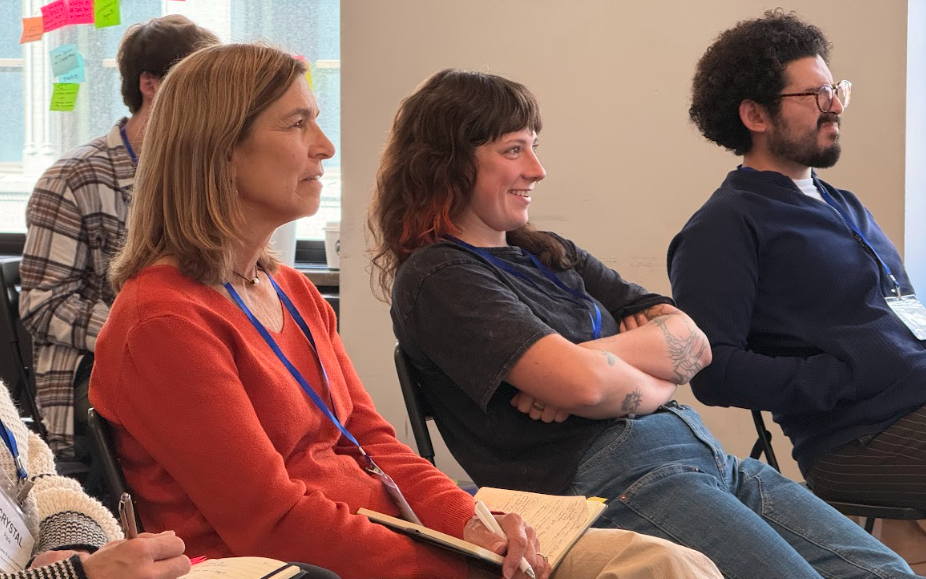
Is it okay to keep coasting on NPSP? When should an organization pull the trigger on a move to Nonprofit Cloud (NPC) or to Nonprofit Accelerator (NPA), Idlewild's solution built on Salesforce? This session took on the question so many NPSP organizations are asking.
Key Takeaways
- Time a move with your next big investment: The clearest guidance of the day: if you're planning a major investment in your Salesforce org, consider building a migration into the plan instead of investing deeply in NPSP. If you're in maintenance mode and things mostly work, there's no rush.
- You're far from alone on NPSP: Attendees heard that NPSP orgs still far outnumber Nonprofit Cloud implementations, and relatively few organizations have migrated so far.
- NPC fits some organizations better than others: Some attendees reported that NPC is working well for program management and for organizations that don't rely on households. Others found it harder for fundraising, with household tracking still a gap despite recent updates and a gift process spread across several objects.
- A move to NPC fundraising means a new org: Switching to Nonprofit Cloud for fundraising requires a new Salesforce org, which should factor into planning.
- Migration is shorter than the project: For a move to Nonprofit Accelerator, the overall project may take weeks, but the migration itself is a short process.
- Expect plenty of notice: Attendees expect Salesforce to give substantial notice, likely years, before any NPSP retirement.
Data Governance
Governance is hard, especially when an organization is growing. This session explored how to assign ownership, break down silos, and build processes that last.
Key Takeaways
- Start with people and process: Define how work should happen first, then fit the software to it.
- Separate building from owning: IT might build a solution, but someone else may own the business process. Name an owner for each project.
- Document procedures: Written procedures keep knowledge from living in one person's head.
- Watch for silos: Silos can leave staff stretched thin and unclear on who owns what.
- Expect departments to be at different stages: Different parts of the same organization can be at very different levels of maturity, and governance should account for that.
- Add these to your reading list: Attendees recommended Nonprofit Lifecycles: Stage-Based Wisdom for Nonprofit Capacity by Susan Kenny Stevens and Flawless Consulting: A Guide to Getting Your Expertise Used by Peter Block.
Looking Ahead
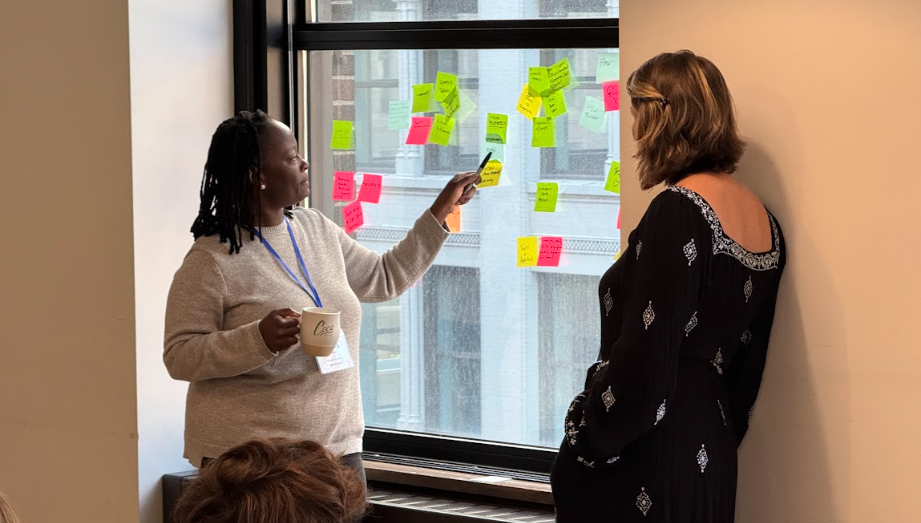
NPSP Day Minneapolis was a reminder that the hardest Salesforce problems aren't always technical. Often, they're about people: getting users on board, deciding who owns what, and making thoughtful choices about AI and the future of NPSP. The best answers of the day came from attendees who had already wrestled with the same challenges and were happy to share what they learned.
Whether it's a dashboard of zeros, a clear AI policy, or a well-timed plan for what comes after NPSP, the goal is the same: a Salesforce org that works for the people who use it and the communities they serve.
A huge thank you to everyone who came ready to share, ask questions, and help one another, and to our speedgeekers and note-takers for making this recap possible. Thank you again to Idlewild Partners for sponsoring the event, and to Coco for hosting us at the Grain Exchange.
Keep the Community Going
Minneapolis was one of the last NPSP Days of 2026, but the community doesn't stop here. Keep a lookout for 2027 events on the NPSP Day events calendar, and we hope to see you at a city near you next year!
In the meantime, you can read last year's NPSP Day Minneapolis 2025 recap and recaps from other recent events: NPSP Day San Francisco, NPSP Day New York, NPSP Day Chicago, NPSP Day Oakland, and NPSP Day Boston.

 Donations
 Events
 Petitions
 Forms
 Shop
 Directories