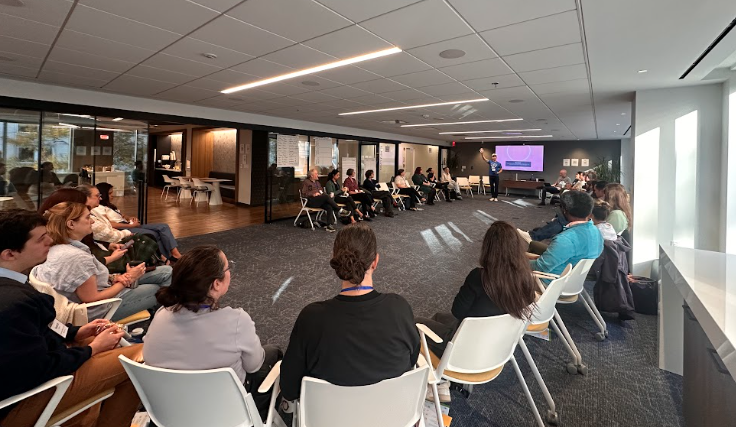
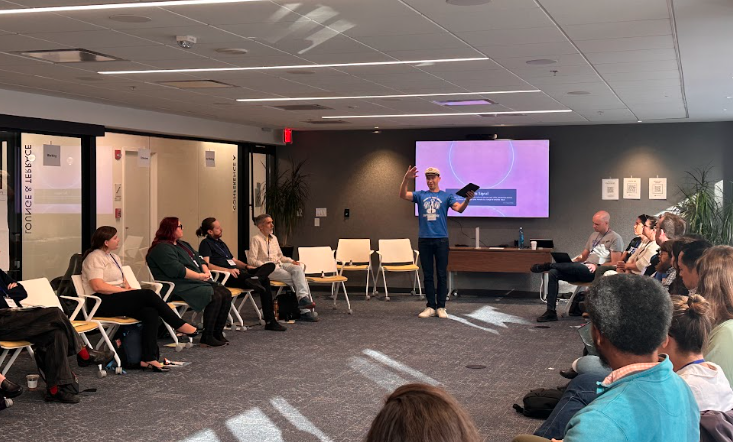
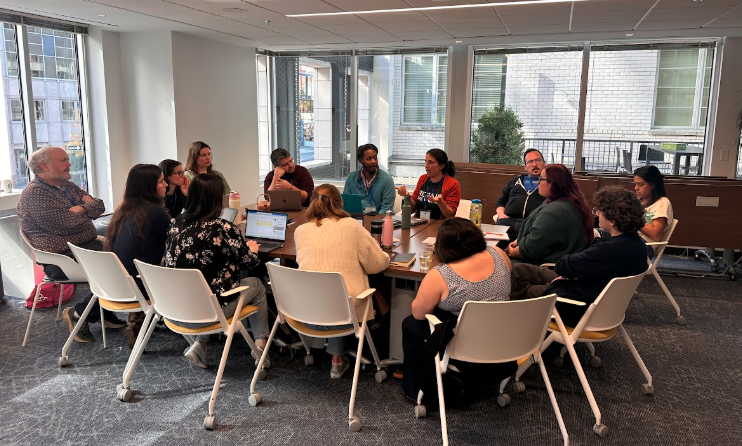
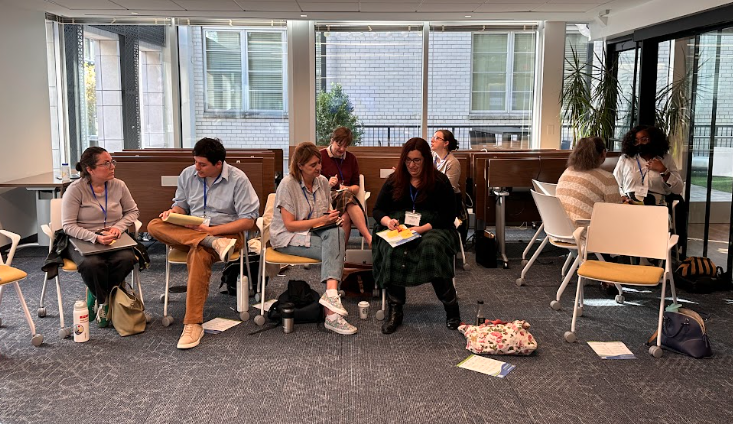
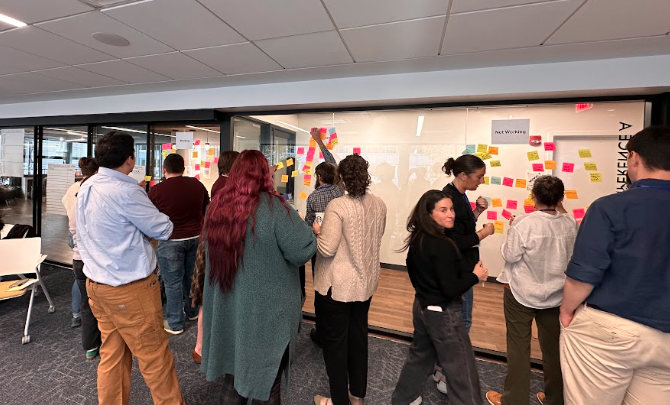
What a turnout! Last month, 45 members of the nonprofit Salesforce community gathered at World Food Program USA for NPSP Day Washington DC, a day of breakout sessions and quick demos led by peers.
The room was a mix of admins, fundraisers, and consultants. Plenty of people showed up with a specific problem in mind, and most left with at least one new tool or idea to try with their team.
NPSP Day Washington, DC was hosted by Soapbox Engage and sponsored by Idlewild Partners and Idealist Consulting, who shared their Salesforce expertise throughout the day. A special thank you to Ebenezer and the team at World Food Program USA for opening their doors to us.
Below is a look at the speedgeeking presentations, the breakout sessions, and some of the key takeaways from the day.
Session Topics
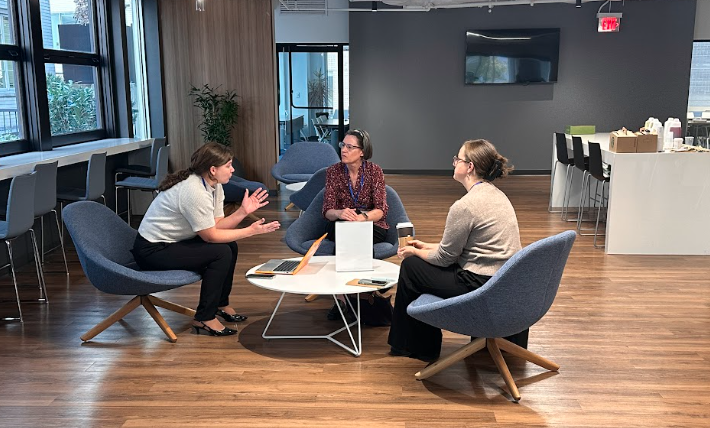
Speedgeeking
In speedgeeking, presenters run short demos while attendees rotate between tables. Here's what was on the tables this year.
This Year's Presentations
- Forms in Experience Cloud: Experience Cloud can host both public and logged-in forms for collecting applications, survey responses, and other data.
- Bulk record creation button: A list view button can pass multiple selected records into a flow at once.
- VS Code for deployments: Visual Studio Code can compare orgs against each other and move changes more easily than the standard change set tool.
- Apsona for reporting: Apsona can build pivot charts and other visualizations from Salesforce reports without downloading anything to Excel.
- Vibe-coded Google Scripts: AI-written Google Apps Scripts can format reports, email regular summaries to an inbox, and generate documents ready to print or send.
- The Calendar object: Any data with a date field can appear on a Salesforce calendar. One example: surfacing tasks and activities from across the organization in one view.
- AI-assisted documentation: Connecting Claude and VS Code to Salesforce can help review customizations and automations and draft documentation. Because this gives the AI broad admin-level access, presenters stressed keeping it out of production. It also raised a bigger governance point: AI policies need to define what a tool can be used for, not just whether it's allowed.
- A sneak peek from Soapbox Engage: Soapbox Engage previewed an email tool in development that integrates with Salesforce and shows the donations and actions each email drives. It includes a drag-and-drop builder, can pull branding and voice from your website, and has a "waterfall" feature for sending one campaign across many segments.
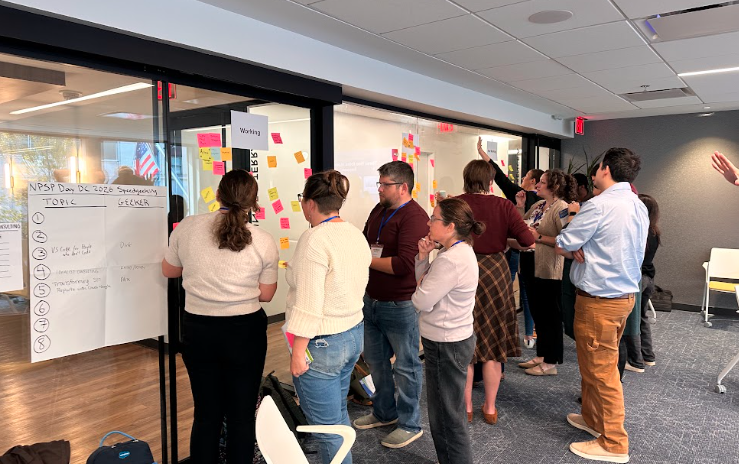
Fundraising Best Practices
"Storytelling equals dollars" summed up this session. The group also talked about shifting donor preferences and how to get fundraisers to log their work.
Key Takeaways
- Donors want specifics: Attendees are seeing less interest in general unrestricted giving and more donors who want to know exactly where their dollars go. Undesignated gifts can still support a specific story.
- Lead with conversation: One rule of thumb: 80% conversation, 20% ask. At many organizations, program staff hold the relationships and bring in development staff to make the ask.
- Track engagement thoughtfully: How you track households, individuals, moves, and opportunities shapes what you can learn about donors later.
- Tie Salesforce to performance: A public activity dashboard for gift officers connects Salesforce use to performance, and a little friendly competition helps. Keep the setup simple to build buy-in.
- Beware "walking knowledge": When people don't log their activity, critical donor knowledge walks out the door with them.
For more on what's working this year, read Fundraising Strategies That Are Working in 2026 for Nonprofits on Salesforce.
Tasks & Project Management
The biggest ah-ha moment here: maybe we don't do project management in Salesforce. Attendees compared the tools they use instead and how they connect them back to their CRM.
Key Takeaways
- Salesforce isn't built for project management: Some attendees tried the Salesforce Program Management Tool but found it needed heavy customization. Monday was a popular alternative, and TaskRay came up as a project management tool built on Salesforce.
- Pass IDs between systems: One team pulls Salesforce IDs into Asana so that when a process wraps up, the data is ready for a quick import back into Salesforce.
- Let meetings log themselves: Connecting Calendly to Salesforce turns bookings into meetings automatically. Gmail and Outlook integrations can log emails and meetings and even create tasks and contacts. Einstein Activity Capture has its pros and cons.
- Nudge users on due tasks: Emails listing tasks due that day or week help keep work moving.
- Watch completion dates: Tasks can default to the completion date when marked complete, which can skew reporting.
- Archive old tasks: Archiving settings can clear out outdated tasks and activities.
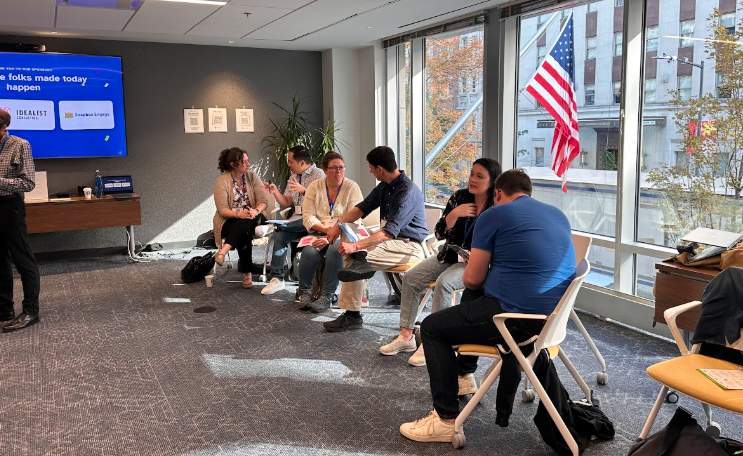
Reports & Dashboards
Some attendees are working through month-long Tableau backlogs, and others are trying new AI connectors. The group talked about how to decide which reporting requests to take on and how to handle them well.
Key Takeaways
- Workhorse or showhorse?: The question of the session. Some reports need to do daily heavy lifting, while others need to look polished for an audience. Knowing which one you're building changes the approach.
- Custom report types go further: Custom report types can pull in fields from related objects, opening up reports that standard types can't produce.
- Put a gatekeeper on requests: A clear process for qualifying and approving data requests helps, whether the request is for a report or for an AI agent.
- Use dashboards to standardize: Dashboards focus decision makers on a common set of reports, which cuts down on one-off requests.
- Translate for business users: Explaining reporting concepts in plain language helps requestors ask for what they need.
- Learn from peers: Find another organization with a similar setup and invite them for coffee to hear what worked and what didn't.
- Explore AI in Excel: Some attendees are using a Claude connector inside Excel to work with report data.
All Things Slack
If users won't log into Salesforce, how do you get information to them? For many attendees, the answer is Slack, where staff already talk to each other and where more AI tools are showing up.
Key Takeaways
- Meet users where they talk: Notifications and conversations work best in the place people already use to talk to each other. Some attendees see Slack as the ideal starting and ending point, orchestrating work between Salesforce and AI tools with a low barrier to entry.
- Slack picks up where Chatter left off: Attendees noted that Slack does what Chatter was designed to do, and onboarding users to Slack is far easier than onboarding them to Salesforce.
- Friction breeds workarounds: Security policies that add friction tend to push users toward loopholes. For example, strict message retention policies can lead people to export messages and store them elsewhere.
- Decide where work should live: Should a task happen in Slack using AI, in an AI tool connected to Salesforce, or in Salesforce pushing data to Slack? Attendees recommended making that call on purpose.
- Don't treat Slack as an archive: Slack search isn't built for finding data you need to query later.
- Expect licensing questions: Slack licensing alongside Salesforce can be confusing, and organizations already on Microsoft Teams may need a strong case to make the switch.

User Adoption & Buy-In
Much of this conversation came back to trust: users adopt a system when they feel heard. The group also covered setting clear expectations and timing training so it sticks.
Key Takeaways
- Listen first: Understanding users' pain points builds trust in both the admin and the system.
- Show what's in it for them: Explain how Salesforce will help each user in their own work.
- Get leadership behind it: Adoption is stronger when implementation comes from the top and managers in each area reinforce it.
- Build structure: Clear processes, roles, and responsibilities give users confidence about what's expected.
- Time your training: Teach a tool when someone is about to use it, not during a large onboarding session where the details won't stick.
For more ideas on getting colleagues on board, see the user adoption takeaways from our NPSP Day Minneapolis recap.
Campaign Best Practices
The main advice: decide what you need to report on before you build a campaign. Attendees also discussed hierarchies, naming conventions, and balancing donor engagement with marketing outreach.
Key Takeaways
- Start with the report: Think about the report management needs first. That decides whether your campaign hierarchy, member statuses, or fields need to be built a specific way.
- Rewire your thinking after a migration: Teams coming from another system, like Raiser's Edge, need to rethink what they want to accomplish rather than recreate old habits.
- Lock down shared reports: When staff don't follow naming conventions, making key reports view-only helps everyone see the same information in one place.
- Plan for unsubscribes on both sides: Organizations using Mailchimp, Account Engagement (Pardot), or iContact need clear unsubscribe and segmentation options in both the CRM and the marketing tool.
- Mind the definitions: Marketing Cloud and Salesforce CRM reports can use different terms and definitions, and some marketing analysis may require a specialized product or a custom solution.
AI & Governance
Some attendees are eager to try new AI tools, and some are skeptical. The conversation covered both, along with how to protect organizational data and the people you serve.
Key Takeaways
- Skepticism is okay: "Luddite" isn't a pejorative. It's healthy to question new technology before adopting it.
- Get specific in your policy: One sample acceptable use policy shared in the room doesn't allow AI note-takers on webinars, since other attendees haven't agreed to have their voices recorded. Concrete examples like this make a policy easier to follow.
- Explore, but protect your data: Vibe-coding tools can build everything from websites to full applications. Have fun experimenting, but be very cautious about sharing organizational or proprietary data.
- Find good resources: The NTEN AI for Nonprofits Resource Hub is a helpful starting point for policies and governance.
Security Best Practices
Attendees traded lessons from MFA rollouts, permission cleanups, and integration users that ask for too much access. A few found that a required security project was a good excuse to clean house.
Key Takeaways
- Use security projects to reassess access: One organization's phishing-resistant MFA rollout was time-consuming, but it revealed that nearly all users had admin-level privileges, prompting a broader tightening of security settings.
- Passkeys win users over: Now that they're enforced, passkeys turned out to be a better login experience.
- Simplify onboarding with User Access Policies: User Access Policies make it easier to grant the right access to internal and external users.
- Explore custom permissions: Custom permissions are an underused way to control conditional visibility on Lightning record pages. Attendees recommended Steven Trumble's explainers on the topic.
- Question integration permissions: Some third-party tools ask for full system administrator access for their integration users, which can cause real problems. Push back where you can.
- Constrain deletion: Limiting delete permissions is worth it, even when users are used to having them. Moving people to lower-access profiles or licenses is hard but important.
- Close known gaps first: Event monitoring is a great tool, but address known vulnerabilities before investing in robust monitoring.
Data Hygiene
This conversation focused more on people than tools: how to plan cleanup projects and get users to own the data they enter.
Key Takeaways
- Match your approach to your users: Users respond differently, so creativity helps. Approaches range from a "safe space" for learning all the way to "this is the data policy, and you need to follow it."
- Aim for user ownership: Whatever tactics you choose, the goal is users who take ownership of their own data hygiene.
- Plan before you clean: Cleanup projects often involve years of different owners and decision makers. Diagnose the history and review the plan before diving in.
- Small teams need safe processes too: Urgent issues like storage overages can tempt quick fixes, but careful cleanup processes protect against losing data.
- Make the payoff visible: Dashboards of zeros and streamlined input steps help build buy-in, especially when admins show how a 30-minute task can shrink to five. Doing this work collaboratively with team members makes it stick.
Looking Ahead
Slack, AI, and new security requirements are changing where and how work happens in nonprofit Salesforce orgs. In DC, attendees were sorting out governance and access questions before jumping in.
A huge thank you to all 45 attendees who came ready to share, ask questions, and help one another, and to our speedgeekers and note-takers for making this recap possible. Thank you again to Idlewild Partners and Idealist Consulting for sponsoring the event, and to Ebenezer and World Food Program USA for hosting us.
Keep the Community Going
DC was one of the final NPSP Days of 2026. Keep a lookout for 2027 events on the NPSP Day events calendar, and we hope to see you at a city near you next year!
In the meantime, you can read recaps from other recent events: NPSP Day Minneapolis, NPSP Day San Francisco, NPSP Day New York, NPSP Day Chicago, and NPSP Day Oakland.

 Donations
 Events
 Petitions
 Forms
 Shop
 Directories