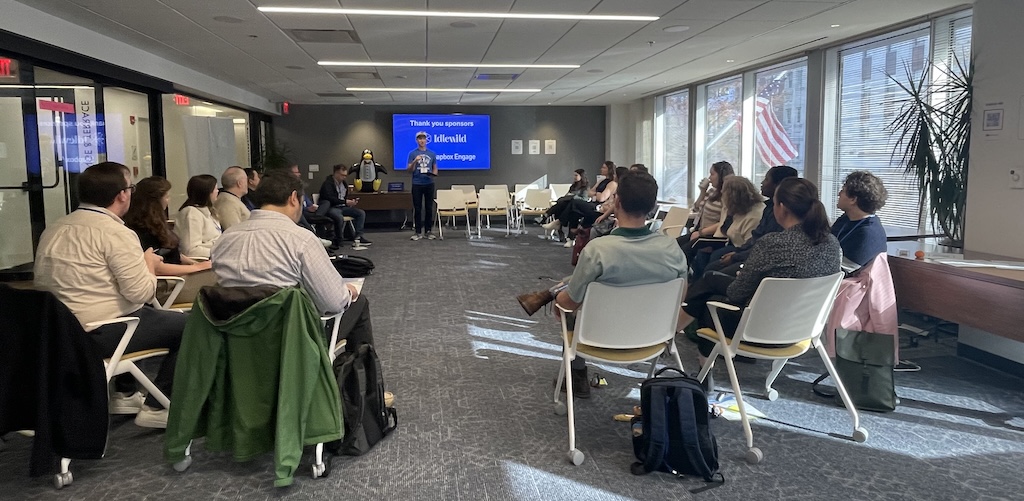
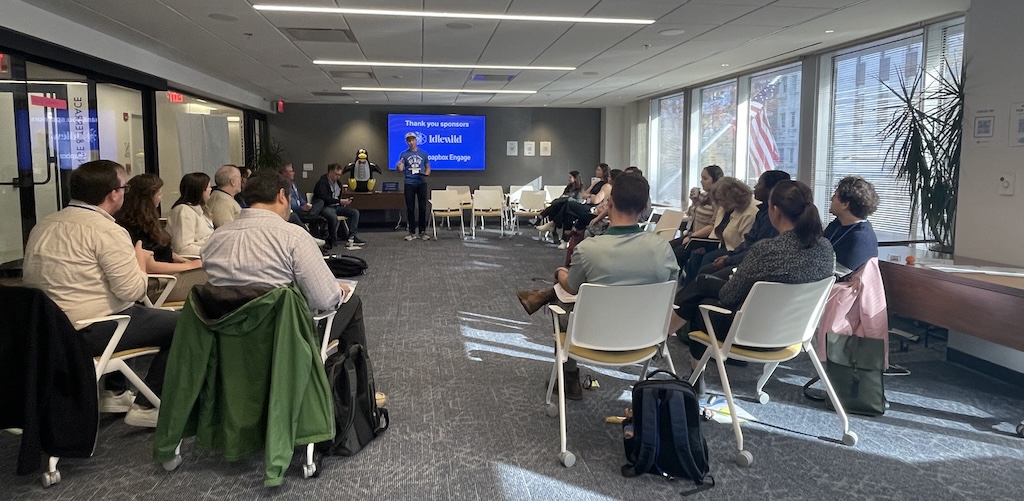
We continued our fall NPSP Day tour with a vibrant and reflective gathering in Washington, DC, bringing together long-time community members, including early NPSP community leaders alongside many first-time attendees. It was especially meaningful to have Ebenezer Dadzie join us as both a local Salesforce Nonprofit User Group leader and an event host, welcoming us into World Food Program USA’s beautiful space.
The venue included an outdoor terrace, abundant natural light, a full kitchen, and plenty of room for group conversations. We were even surprised with a quick drop-in from the CEO and COO of WFP USA, who welcomed everyone and shared their appreciation for the community’s work.
Throughout the day, a central theme emerged: Where is the NPSP community going? What will the future look like? And how can we continue collaborating across roles, organizations, and technical expertise?
The breakout sessions dug into that future, exploring data strategy, reporting, automations, fundraising, portals, and integrations. Keep reading for some key takeaways from each breakout session!
- Data Management
- Reports & Dashboards
- Fundraising & Donor Advised Funds
- Experience Cloud & Portals
- Flows & Automations
- Integration & Third Party Apps
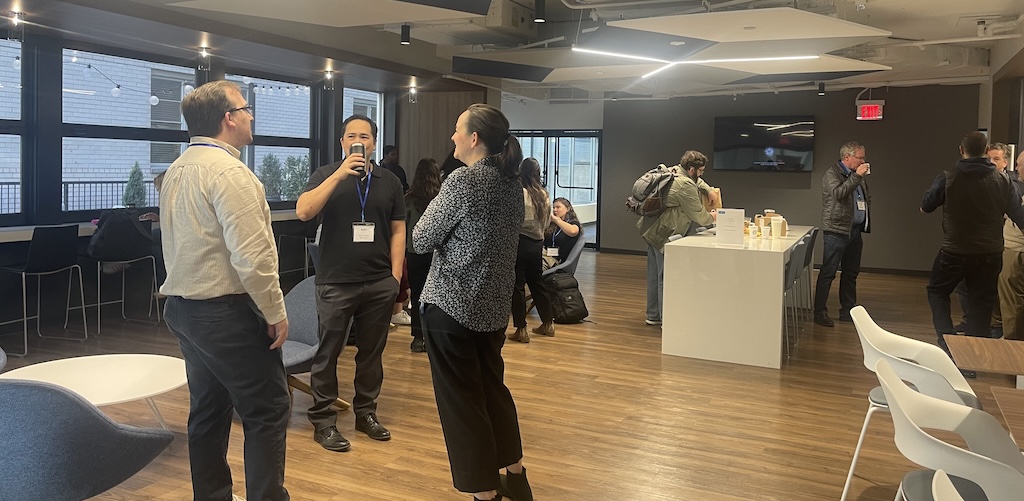
Data Management
This session focused on the ever-growing tools, strategies, and realities of managing nonprofit data in Salesforce. Attendees compared duplicate management tools, explored the implications of Data Cloud’s consumption-based pricing, and swapped tips on backups, merges, and audit preparedness. Several participants shared “lessons learned” from navigating a mix of native and third-party solutions.
Key takeaways:
- Duplicate Management Tools: Cloudingo, Apsona, DemandTools, Plauti, and others fill gaps left by Salesforce’s native duplicate rules, though many require careful governance or investment.
- Data Cloud Concerns: Consumption-based pricing and default enablement made some admins wary of unexpected usage.
- Better Merge Processes: Tools like Contact Merge apps, Classic Account Merge pages, and curated processes make managing duplicates far easier than native prompts.
- Backup Strategy: Weekly export works for audit requirements; paid tools like Spanning or OwnBackup are only worth it if you need a “panic button” for rapid restore.
- Using Flow for Data Hygiene: Screen flows can flag suspected duplicates, enforce retention policies, or help identify records using creative criteria (like birthdays).
- Where to Get Help: Ohana Slack, Org Check, Hubble, and Elements emerged as reliable resources after Salesforce Optimizer’s retirement.
Reports & Dashboards
Participants dove into the nuances of reporting architecture, from folder strategy and permissions to leveraging joint reports, cross filters, and record-level tricks to uncover insights. Common challenges like editing limitations, dashboard filters, and tracking time between status changes sparked creative workarounds.
Key Takeaways:
- Folder Strategy Matters: Keep dashboards in dedicated folders, avoid nesting, and regularly prune unused folders to keep reporting manageable.
- Power of One: Creating a simple “1” formula field on key objects helps produce accurate unique counts in complex reports.
- Joint Reports for Comparison: Using the same report type twice with different filters allows side-by-side insights (e.g., open vs. closed cases), though joint reports can’t be added to dashboards.
- Cross Filters for Precision: Great for isolating records with or without specific related records while retaining row formulas.
- Account Hierarchy Insights: Flows and formulas help surface opportunities across hierarchies.
- Dashboard Challenges: Filter limitations persist; tracking time between status changes often requires custom date stamps via Flow.
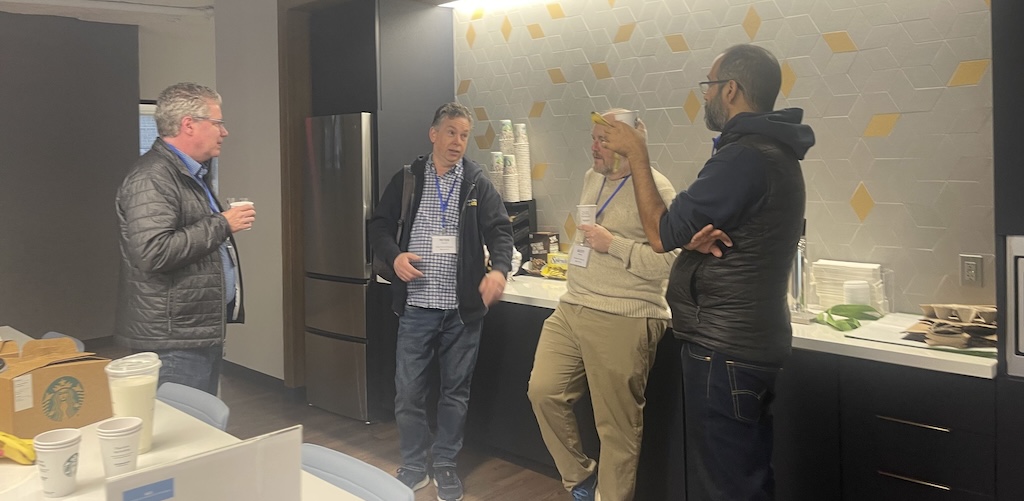
Fundraising & Donor Advised Funds
This session unpacked the fundraising ecosystem, from choosing the right giving platform to navigating DAF complexities, soft vs. hard credits, and reporting challenges. Participants emphasized meeting staff where they are, documenting processes clearly, and using dashboards to create accountability.
Key Takeaways:
- Platform Fit is Key: Tools like Soapbox Engage, FundraiseUp, Classy, and GiveLively vary widely. Selection depends on flexibility, multi-currency needs, UX, events, and recurring giving.
- DAF Complexity: Reporting on DAFs, distinguishing donors from institutions, and managing hard/soft credits remain major pain points across organizations.
- Quick Wins: Adding help text, simplifying major donor opportunity processes, and using dashboards for data issue visibility can yield immediate improvements.
- Field + Date Clarity: When multiple date fields exist, clearly defining their meaning and reinforcing it with validation helps prevent confusion.
- Improve User Confidence: Encourage screen-sharing, walkthroughs, and click-by-click coaching to reduce friction and boost data accuracy.
- Better Alignment with Finance: Reconciling soft/hard credits and finance requirements is a persistent challenge, requiring deliberate process design.
Experience Cloud & Portals
Attendees demystified Experience Cloud licensing, explored common use cases, and compared alternatives for memberships, applications, portals, and surveys. The conversation also surfaced transition challenges, data-security considerations, and clever ways to reuse flows across different user types.
Key Takeaways:
- Licensing Myths Cleared: Public-access sites are free, but full portals require paid licenses; login-based licensing is often the most cost-effective.
- Right Tool for the Job: Two-way interactions often require Experience Cloud; one-way interactions might work via FormAssembly, Jotform, or public forms.
- Portal Alternatives: Tools like Soapbox Engage, Alumni Connect, Titan, and LlamaSite can serve membership-style needs without per-login pricing.
- Flow Reusability: Screen flows can be architected to serve multiple pathways based on page type, boosting efficiency and consistency.
- Top Challenges: Data security, MFA/SMS costs, and the pain of rebuilding portals from sandbox to production remain common hurdles.
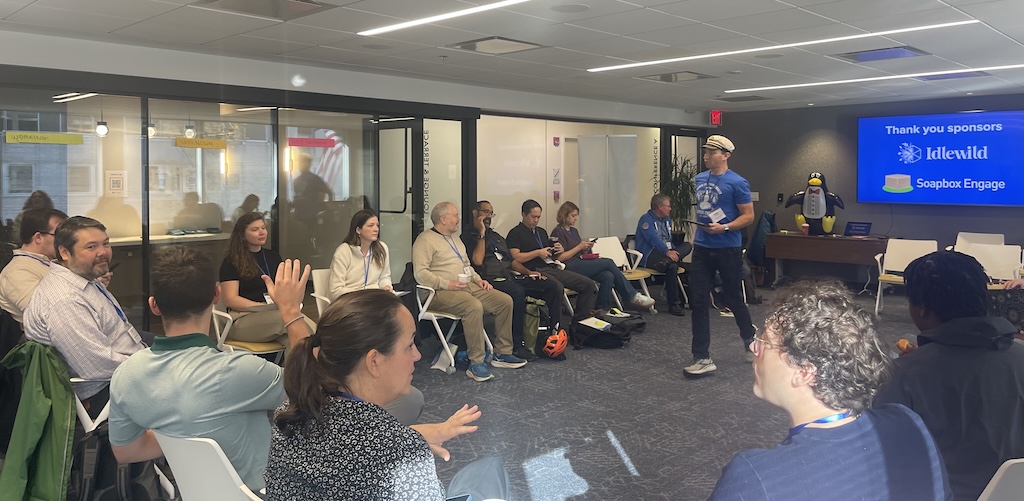
Flows & Automations
This discussion centered on modernizing automation: platform events, debugging tools, documentation habits, and governance. Participants shared real-world challenges with scheduled flows, DLRS conversions, and maintaining clarity across large orgs.
Key Takeaways:
- Platform Events + DLRS: Using platform events helps DLRS run asynchronously, solving performance issues, but comes with limits on event triggers.
- Flow Comparison Tools: New comparison features highlight differences between flow versions, helping admins understand changes quickly.
- Better Documentation: Flow descriptions, process diagrams, dev console exploration, and schema builder all help track dependencies and prevent surprises.
- Scheduled Flow Caveats: Lack of control over batch size and inconsistent reliability make Mass Action Scheduler a popular alternative.
- Automation Governance: Limit flows per object (ideally one before-save flow) and enforce strict conditions for after-save flows.
- Rollup Options: When DLRS or flows struggle, Apex-based rollups may be necessary for reliability.
Integration & Third-Party Apps
The integration session spanned geocoding, email and telephony integrations, donor screening tools, analytics platforms, and using data warehouses to manage multi-org or high-volume data. Prompting and walkthrough features also emerged as powerful training aids.
Key Takeaways:
- Native Geocoding Exists: Salesforce offers free (if imperfect) native geocoding.
- Prompts for User Guidance: In-app prompts and walkthroughs can reduce confusion and reinforce good habits without cluttering UI.
- Mapping + Analytics: Salesforce Maps is aging; Power BI, Tableau, and other mapping tools often provide stronger capabilities.
- Data Warehousing: Snowflake, Databricks, and other lakehouse tools help manage multi-org data or large-scale datasets without overloading Salesforce.
- Email + Telephony Integrations: Gmail, Outlook, and call-center integrations sparked discussion.
- DocGen Options: Multiple document generation tools exist, offering more flexibility than many built-in solutions.
NPSP Day DC was a powerful reminder of how much this community continues to evolve and how deeply it’s rooted in shared learning, collaboration, and curiosity about the future. Thank you to everyone who joined, contributed, and brought their questions, challenges, and generosity to the day.
Join a Future NPSP Day!
Want to join in on the fun? Check below or visit npspday.org to see if we’re coming to a city near you and be sure to mark your calendar!
- NPSP Day Philadelphia - December 4

 Donations
 Events
 Petitions
 Forms
Forms Shop
Shop Directories