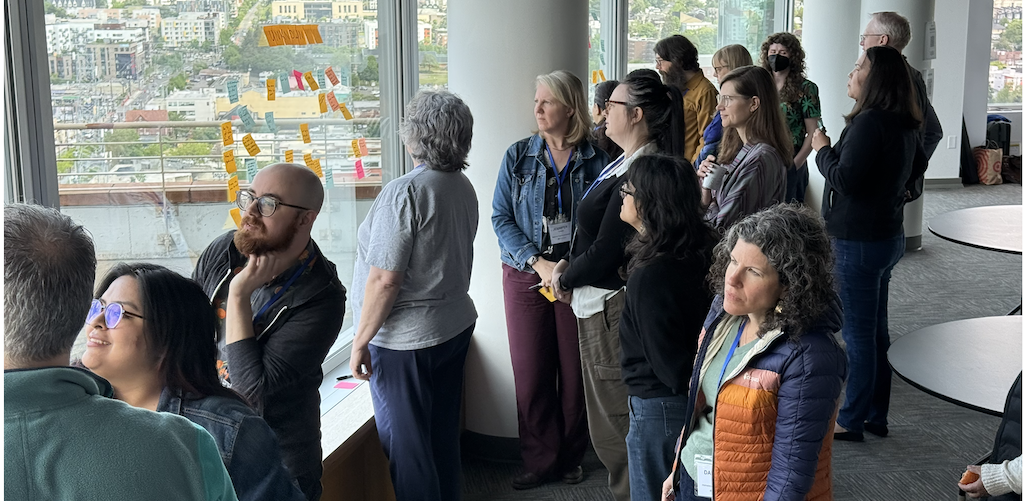
We're back with a recap of NPSP Day Seattle! On May 14, the Pacific Northwest nonprofit Salesforce community gathered at the Panoramic Center for a full day of collaboration, knowledge-sharing, and hands-on problem solving.
Around 40 folks joined us for the day, and the energy in the room was everything we love about NPSP Days: a genuine willingness to share what's working, be honest about what isn't, and help each other build better systems. A huge thank you to Greg Scully and the team at 501 Commons for welcoming us into such a wonderful space.
Enormous thanks as well to our sponsors for helping make the day possible: Presenting Sponsor Idlewild Partners and Community Sponsor Data Geeks Lab.
Throughout the day, one theme surfaced again and again: sustainable systems require both good technology and good habits. Whether the topic was data hygiene, automations, or AI, conversations consistently returned to the importance of documentation, shared ownership, and building processes that hold up over time.
Below is a look at the breakout sessions and key takeaways from the day.
Breakout Session Topics
Breakout Sessions & Key Takeaways
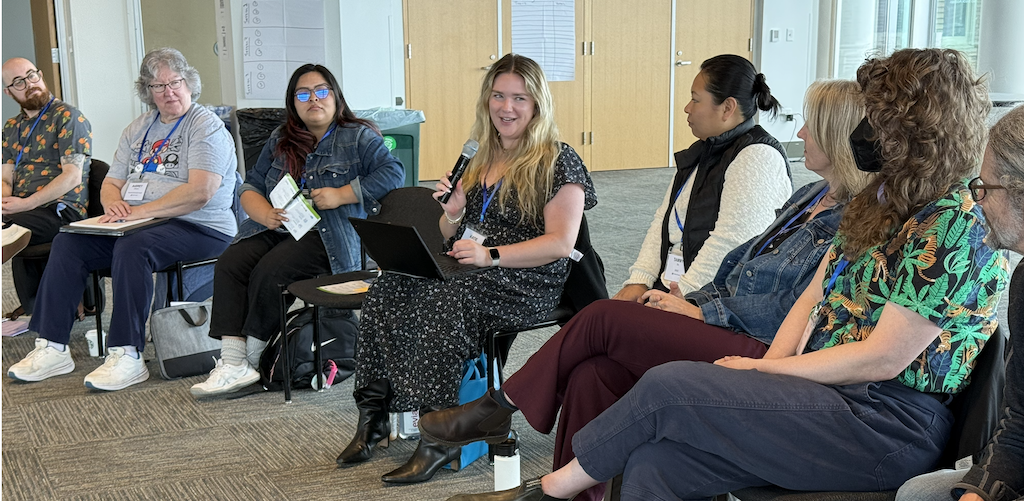
Data Hygiene
Data hygiene is an ongoing challenge for every nonprofit. This group tackled how to keep records clean, prevent duplicates upstream, and build organizational habits that keep data reliable over time. The conversation emphasized that hygiene is as much a people and process issue as a technical one.
Key Takeaways
- Prevention beats cleanup: Strengthening duplicate matching rules and catching issues at the point of entry is far less costly than large cleanup projects down the road.
- Dashboards of zeros are a powerful motivator: Building dashboards that surface missing or incorrect data (e.g., contacts without emails, opportunities missing GAUs) makes hygiene issues visible and creates accountability.
- Ownership must be explicit: Someone on the team needs to actively own duplicate management and data review. Without assigned ownership, issues accumulate quietly.
- Help text and documentation reduce drift: Clear field-level guidance helps maintain consistency as staff turns over and systems evolve.
- Mass cleanup tools remain essential: Tools like Apsona, DemandTools, and Data Loader play an important role in tackling large-scale cleanup projects. Know which tool fits which job.
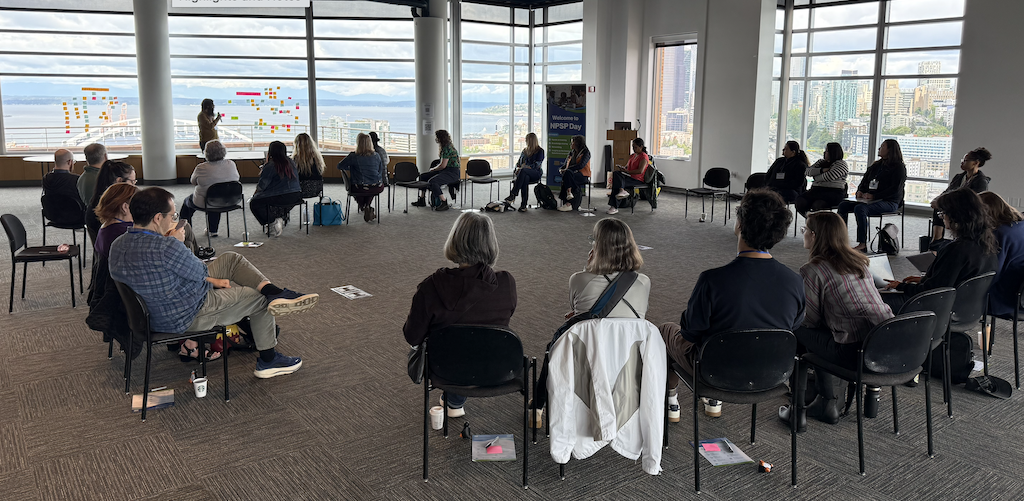
Building Admin Skills
This session focused on how nonprofit Salesforce admins, especially those who are self-taught or wearing multiple hats, can grow their skills, stay current, and build the internal credibility to drive change. The group shared both learning resources and strategies for making progress within resource-constrained organizations.
Key Takeaways
- The community is a curriculum: NPSP Days, the Nonprofit Trailblazer Community, local user groups, and Dreamin' conferences are among the most valuable resources available to nonprofit admins.
- Document early and often: Tools like Scribe and Loom help create living documentation that supports both your own growth and user adoption across the team.
- Superusers extend your reach: Identifying and empowering peer champions within your organization reduces admin bottlenecks and strengthens adoption.
- Small wins build momentum: Tackling low-effort improvements before taking on complex projects creates visible progress and earns organizational trust.
- Stay current with community newsletters: Pub Crawl, Soapbox Engage's weekly newsletter, aggregates the latest Salesforce news and is a low-effort way to stay informed.
See how Soapbox Engage integrates with Salesforce
Soapbox Engage is a suite of online engagement apps — donations, events, forms, and more — with real-time Salesforce and Microsoft Dynamics integration built in.
Explore the Apps
Reports & Dashboards
Reporting discussions focused on simplifying the experience for end users, building dashboards that actually drive action, and managing the sprawl of reports that accumulates over time. The group explored foundational best practices alongside tools that extend native Salesforce reporting capabilities.
Key Takeaways
- Start with the question, not the report: Define what decision or action the report should inform before building it. Reports that don't connect to action rarely get used.
- Audit and archive regularly: Use the "last run" field to identify stale reports and establish a cleanup or archiving process to keep the report library manageable.
- Highlight missing data, not just positive metrics: Dashboards that surface gaps and exceptions (zero incomplete records, zero missing affiliations) are often more actionable than summary charts.
- Custom Report Types unlock cross-object flexibility: When native report types hit their limits, Custom Report Types and tools like Apsona open up more complex, multi-object analysis.
- Data literacy is a prerequisite: Reporting success depends on users understanding core Salesforce concepts. Training on the data model often matters as much as training on reports themselves.
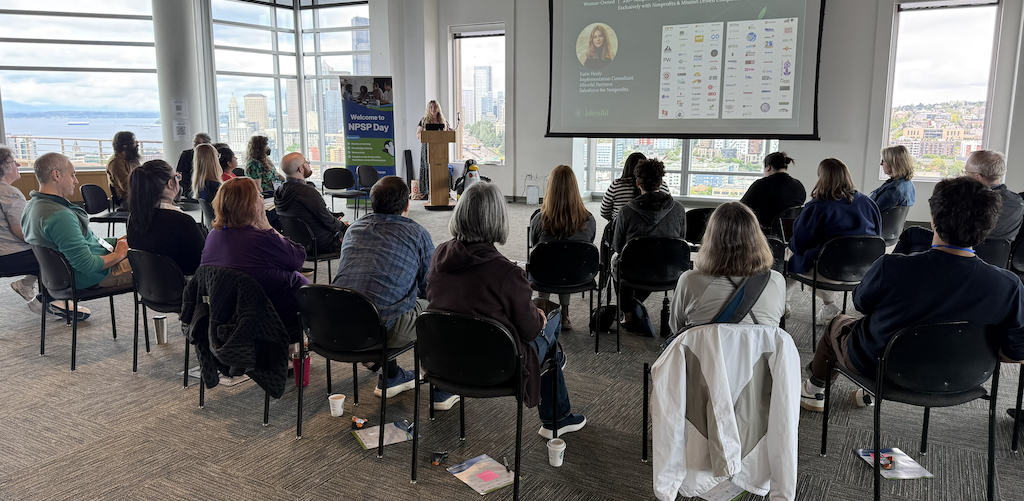
Automations
This session highlighted how nonprofits are using Salesforce Flows to streamline operations, reduce manual work, and improve data consistency. The group shared practical use cases alongside strategies for building automations that are stable, maintainable, and don't create more problems than they solve.
Key Takeaways
- Before-save flows are more efficient: They run before the record is written and don't require an explicit update element, which reduces governor limit exposure.
- Avoid DML statements inside loops: This is one of the most common sources of governor limit errors. Restructure logic to collect records and process them outside the loop.
- Break complex flows into subflows: Smaller, modular components are easier to debug, test, and maintain than a single sprawling flow.
- Build in a kill switch: A custom setting that disables a flow without deleting it can be a lifesaver when something breaks unexpectedly in production.
- Use the right debugging tools: Flow Trigger Explorer helps manage the order in which flows and triggers fire. SF Inspector Reloaded is highly recommended for its View API, data import capabilities, and ability to run SQL-style queries on objects.
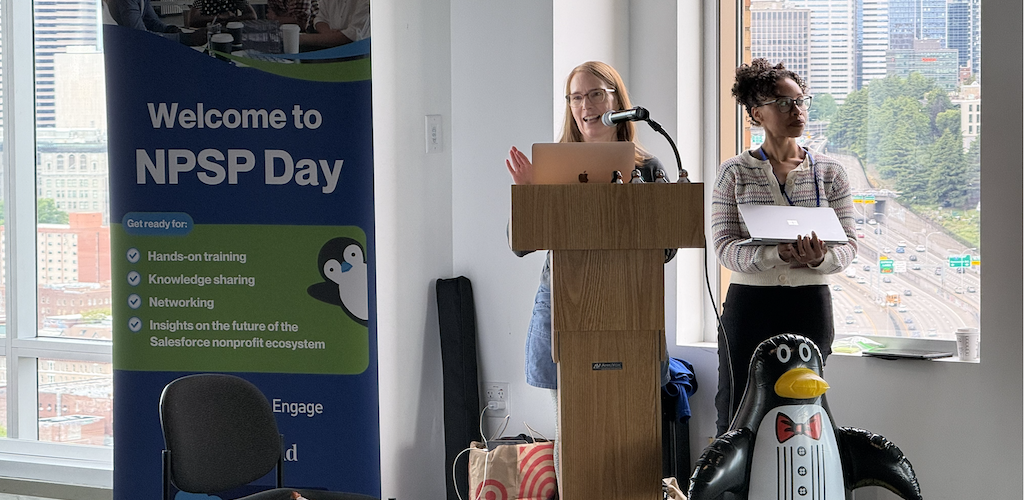
NPSP, NPC, NPA, NpPatch: The Evolving Salesforce Nonprofit Ecosystem
This deep-dive session tackled one of the most pressing strategic questions in the nonprofit Salesforce community right now: what's the future of NPSP, and what are the real tradeoffs between staying, migrating, or exploring emerging alternatives? The conversation was candid, detailed, and full of practical guidance for organizations trying to make informed decisions about their CRM path.
NPSP vs. NPC: A Comparison
| Feature | NPSP (Nonprofit Success Pack) | NPC (Nonprofit Cloud) |
|---|---|---|
| Support & Security | Salesforce is no longer adding features, but what exists remains. NPSP has widespread adoption with deep community support that's unlikely to go away. Still runs on the robust Salesforce platform with enterprise-level security. | Seen as the newer path, though concerns exist about how long Salesforce will continue to support NPSP. |
| Data Structure | Highly flexible and less rigid. | Uses Person Accounts and six opportunity-to-payment objects, which significantly changes the standard data model. |
| Reporting | Generally considered more straightforward for standard nonprofit needs. | Difficult to report on due to a high volume of related objects. There are reports of dashboards not working as expected. |
| Integrations | Extensive third-party support currently, though concerns exist that this may shift over the long term as the ecosystem evolves. | Fewer third-party apps available today, but this is expected to change. |
| Functionality | Known for flexibility. Uses preferred phone/email rules that may need to move to Flow from older Workflow rules. | Does "a few things really deep" but lacks the same level of flexibility as NPSP. |
| Cost | Organizations will need to push Salesforce sales reps to get Sales Cloud without NPC. Ensure new instances do NOT have Person Accounts turned on. | Very expensive past the first P10 licenses. Significantly more costly to implement than NPSP. |
NPSP-like Alternatives Worth Knowing
- NPA (Nonprofit Accelerator) by Idlewild Partners: A modular, scalable, and unlocked alternative to NPSP or NPC. No ongoing license fees. Includes tools for address management, gift rollups, and grant deliverables. Core package is free for nonprofits; additional accelerators and implementation support cost extra.
- NpPatch: A community-led, open-source project that consolidates the Nonprofit Success Pack into a single unlocked package the nonprofit community can install, extend, and maintain. Currently in beta. Volunteers welcome.
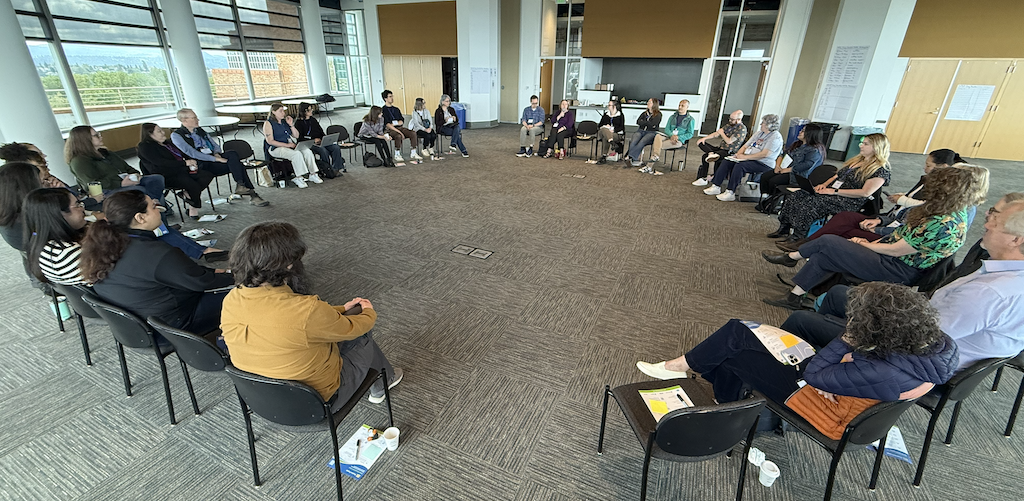
Event Management and Campaign Best Practices
This session focused on how nonprofits use Salesforce to manage fundraising events, track campaign performance, and connect event activity back to donor relationships. The group shared both structural approaches and practical tips for keeping event and campaign data clean and useful.
Key Takeaways
- Campaign hierarchies are essential for ROI tracking: A well-structured hierarchy connects individual event campaigns to broader appeals and annual fund efforts, making it possible to see cumulative impact across mailings, events, and volunteer activity.
- Naming conventions matter more than you think: Consistent campaign names, statuses, and record types make reporting dramatically easier and reduce confusion when multiple staff are creating campaigns.
- Track engagement beyond giving: Using a "last seen alive" metric or engagement scoring alongside giving data helps teams identify lapsing supporters before they disappear entirely.
- Event registration tools should sync in real time: Whatever tool you use for online event registration, real-time data flow into Salesforce avoids the manual reconciliation that eats up staff time after every event.
- Align campaigns with Opportunities clearly: Campaigns are for marketing and tracking engagement; Opportunities are for tracking gifts. Keeping these roles distinct prevents reporting confusion.
- Look for tools that reduce integration complexity: For email, events, and registration, platforms like Soapbox Engage can be a more affordable alternative to HubSpot or Pardot while avoiding the integration friction of tools like Mailchimp.
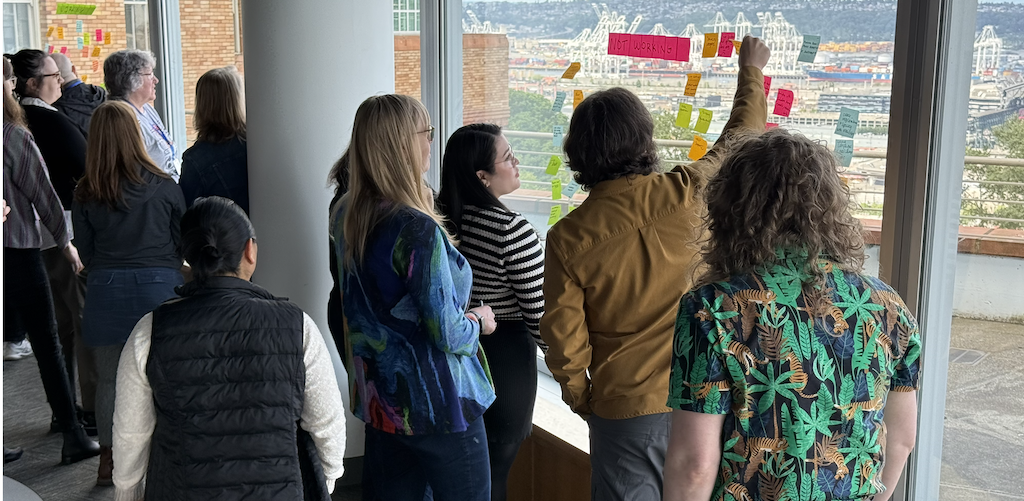
All Things AI
AI was one of the most energized conversations of the day. Attendees are exploring how to use AI tools thoughtfully in their fundraising and operations workflows, while remaining clear-eyed about where the technology adds genuine value and where the risks require caution. The conversation balanced curiosity with pragmatism.
Key Takeaways
- Start with specific, bounded use cases: Many organizations want to use AI but struggle to identify where it actually adds value. Starting with a concrete, low-risk use case (summarizing meeting notes, drafting acknowledgement letters, documenting processes) builds confidence before expanding.
- AI tools can support admin productivity: Tools like Claude can write Python scripts, generate full data dictionaries, and create editable entity-relationship diagrams via Draw.io. VS Code with the Salesforce extension is a particularly useful combination: pull metadata to your computer and ask Claude to analyze flows, suggest documentation, or write basic code.
- One firm boundary: never let AI write directly to Salesforce. AI-generated code should always be reviewed and executed by a human admin before it touches your org.
- Opt out of Salesforce AI data training: Admins can opt their org out of Salesforce using its data to train AI models. This should also be done in sandboxes before refreshes.
- Agentforce works best with Data Cloud: Effective for summarizing data (e.g., "tell me about this contact") without extensive configuration, but currently limited for data calculations and requires ongoing upkeep.
- Governance requires a clear policy: Data privacy, bias in AI-generated recommendations, and transparency with donors are real considerations that organizations should address before deploying AI-facing tools.
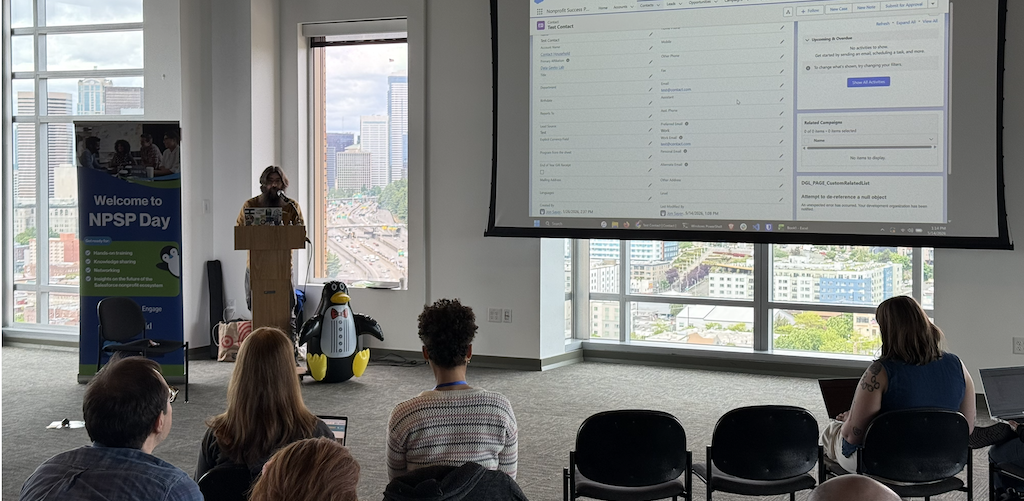
Security and Scary Salesforce Emails
This session addressed one of the more anxiety-inducing aspects of being a Salesforce admin: security alerts, permission management, and understanding what to do when Salesforce sends an ominous notification. The group shared both practical configuration tips and strategies for maintaining a secure, well-governed org.
Key Takeaways
- Understand what those emails actually mean: Many Salesforce security notifications are routine, but knowing which ones require action versus which are informational prevents both panic and missed alerts.
- Audit users and permissions regularly: Review active users, permission sets, and profiles at least quarterly. Deactivate users who haven't logged in within a defined period to reduce exposure.
- Monitor connected apps: Limit who can install and authorize third-party apps in your org. Unreviewed connected apps are a common source of unnecessary data access.
- Use free tools to manage permissions: Config Workbook and PermComparator simplify permission and profile comparisons without requiring expensive add-ons.
- Don't ignore the Health Check: Salesforce's built-in Health Check tool surfaces common security gaps and is a good starting point for orgs that haven't done a recent security review.
Fundraising Best Practices
This session covered the practical mechanics of fundraising operations in Salesforce, from structuring gifts and managing pledges to acknowledging donors and aligning development and finance. The conversation balanced technical configuration with real-world fundraising realities.
Key Takeaways
- Payment-level tracking simplifies finance alignment: Separating development and accounting needs through payment-level records helps organizations manage passthrough grants, split gifts, and financial reporting more cleanly.
- DAF complexity requires a clear structure: Many organizations are moving toward tracking DAF gifts at the household level while retaining fields that preserve legal donor information for accounting. Hard credits to the DAF institution and soft credits to the donor can coexist with the right setup.
- Contact roles often work better than soft credits: For tracking relationships like board members, event sponsors, or solicitors, contact roles provide cleaner reporting than relying heavily on soft credits.
- Align with finance before building: Decisions about allocation structures, recognition dates, and fee handling should be made collaboratively with finance from the start, not retrofitted later.
- Wealth screening adds strategic value: Tools like WealthEngine and iWave help prioritize outreach and identify major gift prospects, but work best when integrated into a broader moves management workflow.
- Fundraise Up is worth a look for online giving: Noted for its out-of-the-box Salesforce objects, which reduce the added complexity of similar tools. A good option for organizations evaluating donation platform alternatives.
Closing Thoughts
NPSP Day Seattle was a fantastic reminder that the nonprofit Salesforce community thrives on shared learning and honest conversation. Whether attendees came with specific technical challenges or just wanted to hear how peers are solving common problems, the day delivered.
Thank you to everyone who joined, contributed to the conversations, and helped make the day such a success!
Want to be part of the next NPSP Day?
NPSP Days are free, community-run events for nonprofit Salesforce users. Check the schedule for upcoming events in your city.
See Upcoming NPSP Days
 Donations
 Events
 Petitions
 Forms
Forms Shop
Shop Directories