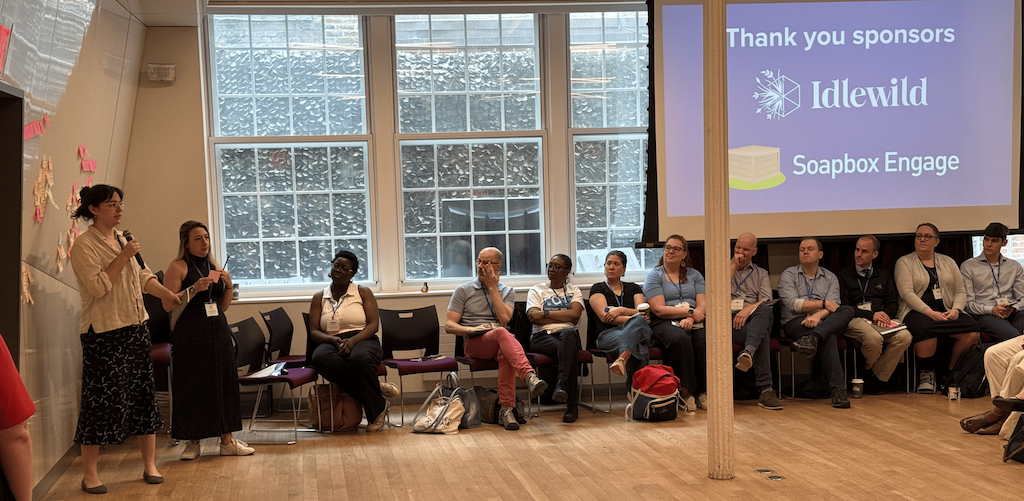
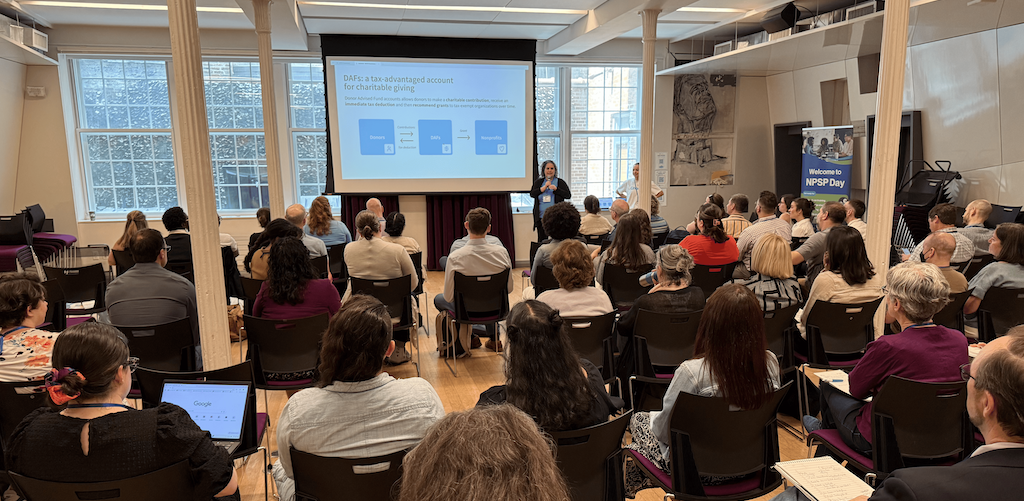
Another NPSP Day recap hot off the press! On June 11, NPSP Day returned to New York City for a dynamic day focused on the future of nonprofit fundraising. Hosted by Soapbox Engage and Idlewild Partners, this special edition of NPSP Day brought together over 75 nonprofit professionals, Salesforce users, and fundraising experts for a packed agenda of learning, networking, and idea-sharing.
While about 20% of attendees were familiar faces from past NPSP Days, the majority were first-timers, which was awesome to see! Everyone was excited to connect in person and explore how Salesforce and AI can help future-proof fundraising strategies. This was our first-ever topic-specific NPSP Day, dedicated to fundraising, and the energy in the room made it clear: this format was a success.
True to the unconference model, participants set the agenda by voting on the topics they most wanted to dig into. From donor advised funds and grant management to data integrity and AI governance, the conversations were timely, tactical, and community-driven.
Read on for key takeaways from our breakout sessions!
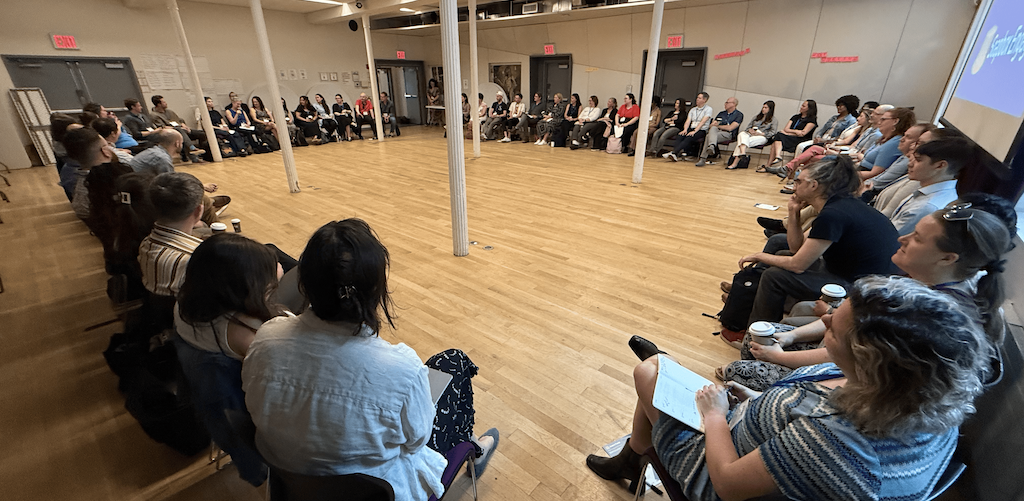
Table of Contents
- Data Imports & Exports
- Donor Advised Funds (DAFs)
- Moves Management
- Data Integrity & De-Duping
- Reports & Dashboards
- AI Governance
- Flows & Automations
- Grant Management
Data Imports & Exports
This session unpacked the tools and strategies nonprofits can use to manage data imports and exports with less stress and more confidence. Whether using native tools or advanced platforms, attendees walked away with practical, scalable tips.
- Consider using Scribe to document data cleaning/uploading processes, and Otter.ai to summarize for user-friendly access.
- Free tools like Salesforce Inspector Reloaded and NPSP Data Import can make tasks easier.
- Turn on NCOA updates in your NPSP settings to help keep address data current.
- Combine multiple email fields into one “mega email” for improved Excel-based matching using XLOOKUP.
- Try recording repetitive steps in Excel using macros or generate VBA scripts via ChatGPT to automate your workflows.
Donor Advised Funds (DAFs)
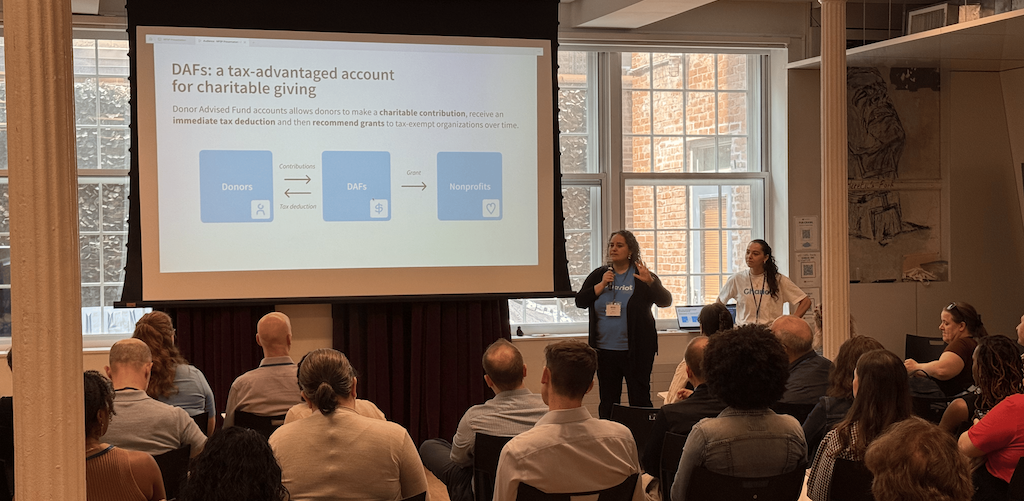
A Donor Advised Fund is a charitable giving account held at a sponsoring organization (community foundation, financial institution, etc.). Donors contribute to the fund, receive an immediate tax deduction, and then recommend grants to charities over time. This session dove into emerging best practices for managing DAF contributions in Salesforce.
- When accepting DAF gifts, offer a “cover our fees” option for online DAF donations to help recover transaction costs.
- Tools like DAFpay can reduce donor anonymity and streamline CRM tracking.
- Hard credits can be recorded for the DAF institution while still tracking soft credits to the donor.
- DAF donors tend to have a 15% higher retention rate than non-DAF donors.
- DAF use is rising, in part due to lower minimum thresholds.
- Include DAF giving as an option directly on your online donation form. Tools like the Soapbox Engage Donations app make accepting DAF gifts as simple as credit card donations.
Moves Management
This session focused on practical strategies and Salesforce features that support relationship-based fundraising. The conversation emphasized keeping things human, flexible, and insightful.
- Leverage the “Next Step” field and Deliverables object to track donor engagement.
- Don’t underestimate working directly in the Opportunity object.
- Engagement Plans can be cumbersome. Try looking into best practices before implementing them.
- Consider using reporting snapshots (e.g., June 2024 vs. June 2023) with tools like Conga Composer.
- Distribution objects allow one closed opportunity with open installments. This can be helpful for multi-year gifts.
- Integrate Gmail and Salesforce for calendar syncing and activity tracking.
Data Integrity & De-Duping
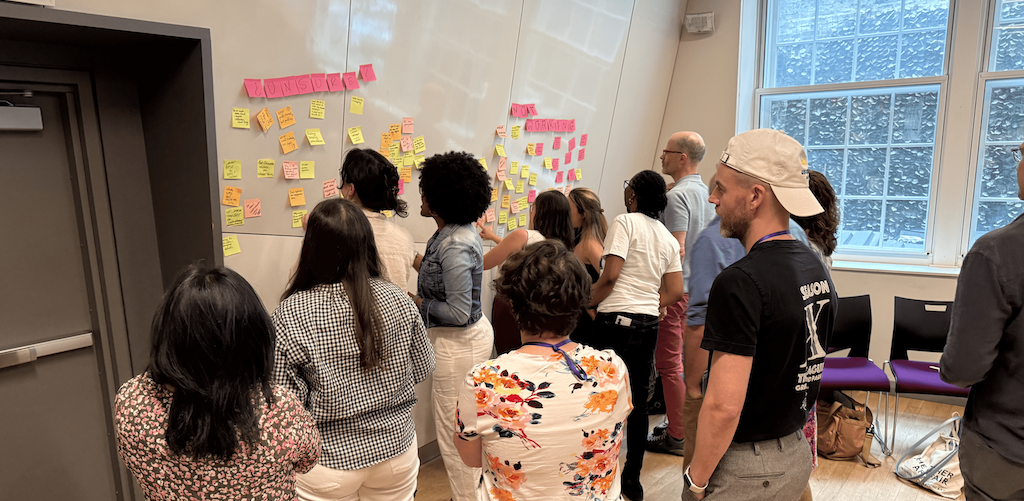
Attendees learned how to build a proactive strategy for clean data, from exception reports to tech governance. The session highlighted tools and hacks for identifying and fixing duplicates in Salesforce.
- Create a “Wall of Zeroes” dashboard to track and visualize data issues via exception reports.
- Try using Apsona for fuzzy duplicate matching, merging, and enhanced reporting.
- Be strategic about who can merge records. Always merge Accounts before Contacts.
- Flag duplicates at the point of entry with tools like Soapbox Engage, which can create leads and check for matches.
- Store documentation either in Salesforce (via Knowledge) or linked externally for accessibility.
- Conduct regular tech audits, use documentation tools like Tango, and explore governance options like Docs Bot.
Reports & Dashboards
This session offered actionable insights on building useful dashboards and tailoring reporting to different user needs. Tailor report training to the individual’s comfort level. Hands-on sandbox access can help.
- Archive and delete stale reports using the "last run" field.
- Use Quick Actions in list views to edit long-text fields quickly.
- Differentiate between operational dashboards and PTG (Program, Team, Goal) dashboards.
- Try embedding text and image widgets in dashboards to make them more intuitive and training-friendly.

AI Governance
This session explored how nonprofits can safely and effectively integrate AI tools, with an emphasis on responsible governance and practical use cases.
- Pair Agentforce with Data Cloud to get the most out of it.
- AI can help summarize unstructured data like Form 990s or power donor chatbots.
- Consider using AI to strategize re-engagement with lapsed donors.
- Be sure to stay on top of compliance issues, including PCI and upcoming GDPR updates.
Flows & Automations
This session gave attendees a crash course in optimizing Salesforce Flows, from reducing errors to designing logic that actually works.
- Flows now include error messages with debug codes for easier troubleshooting.
- Use after-save formulas and scheduled paths to reduce governor limit issues.
- Know your Flow types: Screen Flows for guided user input; Autolaunched Flows for automation.
- Tools like UnofficialSF and Salesforce Inspector can streamline Flow building.
- It can be helpful to break up complex Flows into smaller ones to keep logic clean.
- Use formulas instead of “Get” elements to lower query load and improve performance.
Grant Management
This session covered how to effectively track and manage grants using Salesforce, for both funds received and distributed.
- Use Opportunity records with a custom type like “Grant” to track applications and awards.
- Log every funder interaction with Activities, Notes, and Files.
- Build dashboards and reports to monitor deadlines, statuses, and disbursement amounts.
- If applicable, track outgoing grants using similar structures for symmetry.
Shout out to our host!
A huge thank you goes to The Center for hosting us for another NPSP Day in New York! Check out the awesome work their organization is doing to support LGBTQ+ New Yorkers.
Join a Future NPSP Day!
Want to join in on the fun? Check below or visit npspday.org to see if we’re coming to a city near you and be sure to mark your calendar!
- NPSP Day Minneapolis - September 11
- NPSP Day San Francisco - September 18
- NPSP Day New York - October 9
- NPSP Day Washington DC - November 6
- NPSP Day Philadelphia - December 4

 Donations
 Events
 Petitions
 Forms
Forms Shop
Shop Directories