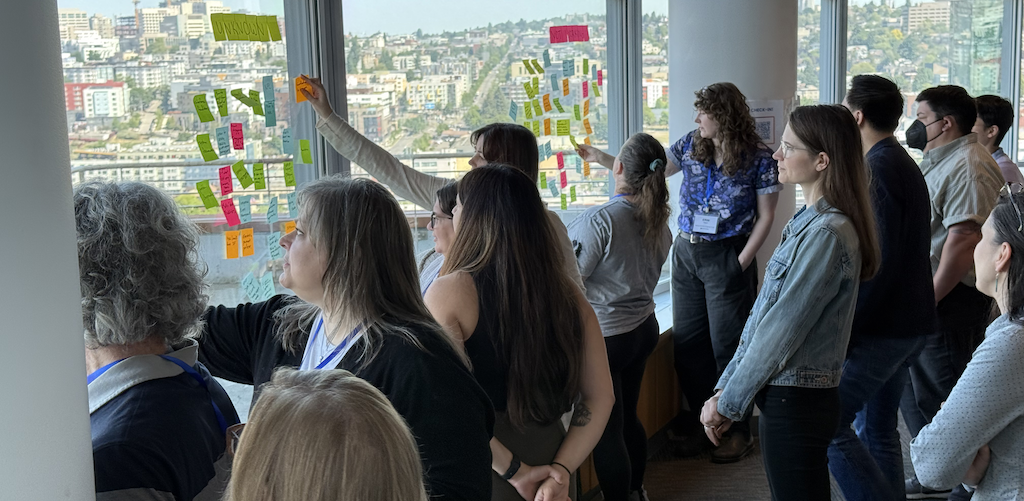
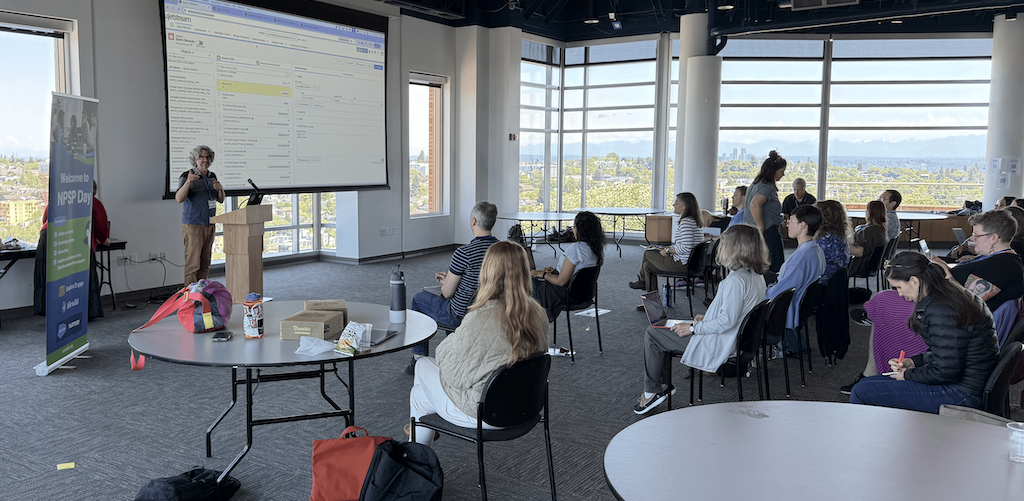
At the start of June, NPSP Day returned to Seattle for a lively day of collaboration, learning, and community-building at the historic Pacific Tower.
Hosted by Soapbox Engage and Idlewild Partners, this year’s event welcomed more than 40 nonprofit professionals and Salesforce experts, including several seasoned veterans who have been part of the ecosystem for 15 years or more. While our recent event in Chicago drew many first-timers, Seattle had a fantastic share of longtime community members and past NPSP Day participants that gathered to reconnect, swap stories, and dive deep into shared challenges.
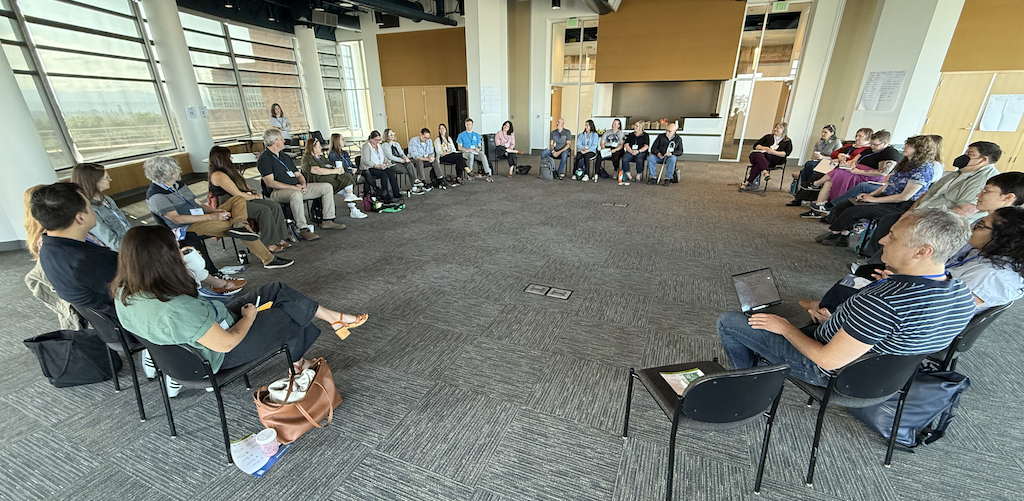
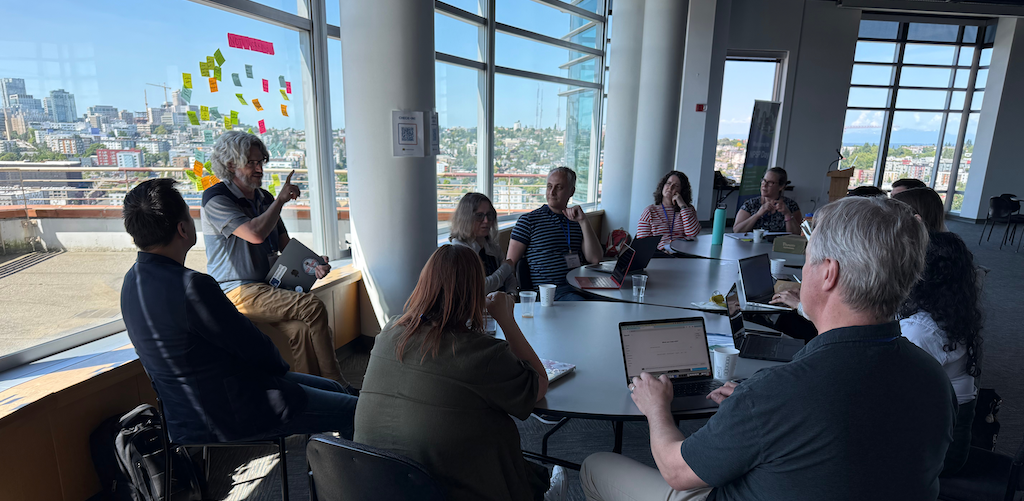
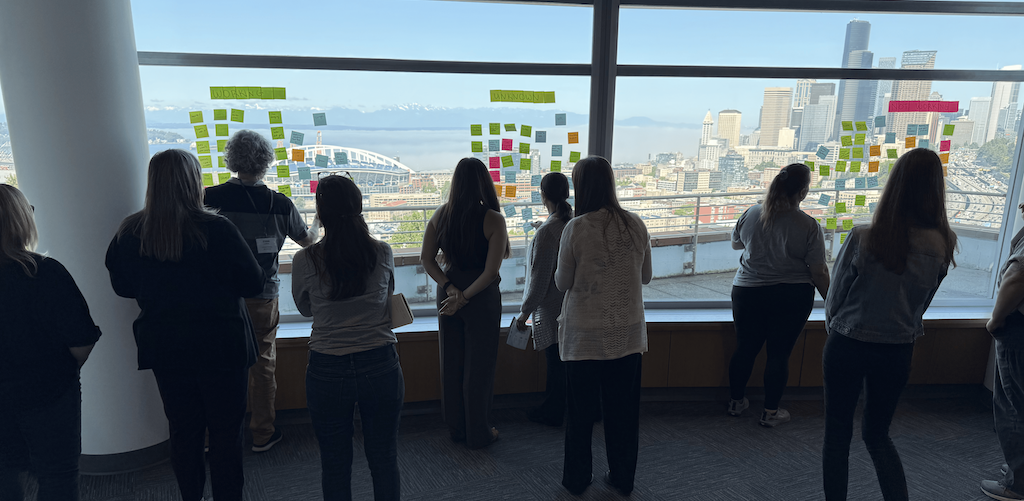
NPSP Days are designed to spark peer learning and problem-solving in an “unconference” format where attendees set the agenda and vote on the topics they most want to explore. This time around, we covered everything from new developments in Nonprofit Cloud to smart ways to make the most of the tried-and-true Nonprofit Success Pack.
The day was filled with hands-on learning, thoughtful discussion, and plenty of practical takeaways. Read on for key insights from our nine breakout sessions!
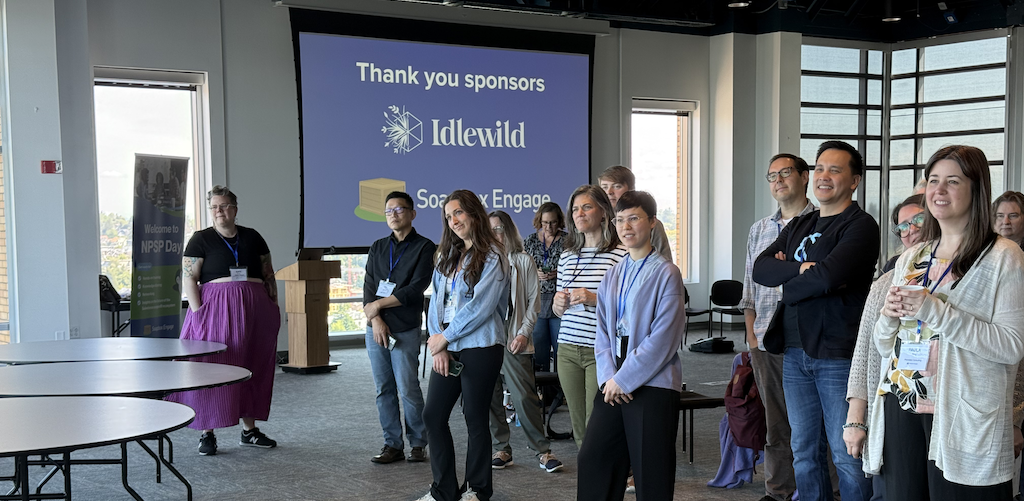
Table of Contents
- Internal Documentation
- Salesforce Foundations & Data Cloud
- Artificial Intelligence
- Reports & Dashboards
- Flows & Automations
- Fundraising Management
- Page Layouts & UX Hacks
- Volunteer Management
- Third Party Apps & Integrations
Internal Documentation
Documentation isn’t just about writing things down. It’s about making information findable, relevant, and useful to your team. Many successful orgs embed documentation into daily workflows and update it as part of their regular operations. Whether you're writing for end users or fellow admins, clarity and accessibility are key.
Key Takeaways:
- Know your audience. Document differently for end users vs. admins.
- Use in-app tools like Help Text, Paths, and Banners to surface guidance.
- Create clear naming conventions (Tool + Object + Purpose) and track versions.
- Schedule regular documentation “clean-up” days to keep things current.
- Consider tools like Spekit, SharePoint, or custom side panels to centralize resources.
Salesforce Foundations & Data Cloud
Salesforce Foundations and Data Cloud have been generating buzz, but many nonprofits are still figuring out how (or if) they fit into their tech stack. This session unpacked what’s included, how pricing and usage interact, and whether these tools make sense for your data strategy. Transparency and planning are essential before adoption.
Key Takeaways:
- Foundations includes limited features across clouds, including some Data Cloud access.
- Pricing can be unclear. Usage is visible, but cost impacts are not.
- Data Cloud can work well for Customer 360 use cases, but not necessarily general data warehousing.
- Many nonprofits still rely on Snowflake or Fabric for their data needs.
- It’s helpful to clarify your needs before investing in new tools.
Artificial Intelligence
AI is everywhere, and Salesforce is no exception. From auto-generated content to data analysis, AI tools offer exciting possibilities, but they also raise valid questions around data privacy, cost, and control. Nonprofits are exploring practical applications while staying mindful of risks and readiness.
Key Takeaways:
- AI tools depend on thorough metadata. Label your fields and objects.
- Many orgs are building internal GPT tools to reduce cost and increase control.
- Data masking doesn’t guarantee third-party safety. Know what’s shared.
- AI is helpful for formulas, flows, and documentation, but requires review.
- Invest in prompt writing and admin upskilling for long-term impact.
Reports & Dashboards
Reports and dashboards are only as valuable as the decisions they support. This session focused on how to make reporting more actionable, especially for non-admin users who rely on data to guide their work. Clean source data and smart visualizations go a long way.
Key Takeaways:
- “Dashboards of Zeros” help flag missing or inactive data.
- Use “ground truth” records to validate report accuracy.
- Excel and SQL are still powerful complements to Salesforce reports.
- Lock filtered reports to avoid user edits or data skew.
- Consider Tableau Creator or Power BI as flexible reporting tools.
Flows & Automations
Flows are one of the most powerful admin tools available, and also one of the easiest to overcomplicate. The group shared tips for building scalable, user-friendly automations that save time without creating maintenance headaches. Good flow design starts with good planning.
Key Takeaways:
- Break complex logic into multiple flows to keep things clean.
- Screen flows help guide users and improve data quality.
- Use formulas over “Get” elements to minimize query load.
- Sketch logic out before building to avoid rework.
- Tools like UnofficialSF and Salesforce Inspector can help save time.
Fundraising Management
Managing fundraising in Salesforce requires more than just tracking donations. It’s about aligning people, processes, and data. From wealth screening to automation, participants shared how they're making their CRM work harder for their development teams. Integration and ease of use were recurring themes.
Key Takeaways:
- Wealth tools help prioritize high-value donors for outreach.
- Create team-wide plans to unify fundraising across departments.
- Automate repeatable tasks and keep them small and sustainable.
- “Spreadsheet amnesty” can help migrate rogue tracking into Salesforce.
- Optimize mobile entry for development staff logging visits on the go.
Page Layouts & UX Hacks
The way your users experience Salesforce can make or break adoption. In this session, admins talked through creative ways to improve layout, reduce overwhelm, and streamline the user journey. Design choices, like screen flows and dynamic fields, can have a big impact with minimal effort.
Key Takeaways:
- Consider using Dynamic Forms to show or hide fields contextually.
- Embed screen flows for smoother data entry.
- It can be helpful to print layouts and highlight and cross out elements for collaborative planning across teams.
- Design for accessibility. 25% of users may have visual impairments.
- Use tabs, accordions, and visual cues to reduce clutter.
Volunteer Management
Volunteer programs are rarely one-size-fits-all, and Salesforce's Volunteer for Salesforce (V4S) has its shortcomings. This conversation focused on creative workarounds, third-party apps, and custom builds that better support volunteer engagement. Flexibility and integration were top of mind.
Key Takeaways:
- V4S is a good start, but lacks some features like skill-matching or self-scheduling.
- Profile management is often handled with custom or third-party tools.
- Tools like HandsOn Connect and Golden Volunteer can expand the functionality of V4S.
- Upcoming Salesforce Nonprofit Cloud features may fill key gaps.
- Flexibility and customization are essential to meet org-specific needs.
Third-Party Apps & Integrations
Adding the right tools to your Salesforce environment can boost productivity if they’re implemented well. This group shared favorite apps, integration tips, and cautionary tales from the field. Choosing tools that align with your processes (and budget) is critical.
Key Takeaways:
- Favorites: Apsona (tax receipts), Sdocs (PDFs), and Box (e-signatures).
- New FormAssembly Connectors offer more robust mapping in Workflow.
- SMS via email-to-phone is a low-cost, high-impact communication option.
- Data tools: Demand Tools, Plauti, and Apsona, each with tradeoffs.
- Be cautious of phishing attempts via tools like Data Loader.

Shout out to our host!
A huge thank you goes to the team at 501 Commons for helping coordinate and host us in the Panoramic Center, which was a stunning space that’s become a beloved home for many past Seattle NPSP Days. Their support helped make the day a standout experience for everyone involved.
Join a Future NPSP Day!
Want to join in on the fun? Check below or visit npspday.org to see if we’re coming to a city near you and be sure to mark your calendar!
- NPSP Day Minneapolis - September 11
- NPSP Day San Francisco - September 18
- NPSP Day New York - October 9
- NPSP Day Washington DC - November 6
- NPSP Day Philadelphia - December 4

 Donations
 Events
 Petitions
 Forms
Forms Shop
Shop Directories